




When a Blackbaud school struggles with parent communication, the data is rarely the problem. Blackbaud does a very good job of holding the information that runs a school, from schedules and rosters to directories and calendars. The trouble tends to start with how that information reaches families, because it often travels through five or six different routes. When families aren't sure where to look, some of them stop looking.
Below, we'll look at why that happens and what you can do about it with the tools you already have. If you're specifically wondering whether Blackbaud offers a parent app, we've covered that separately in Is There a Blackbaud School App for Parents?.
Blackbaud is a strong system of record
It makes sense to start with what works. For most independent schools, Blackbaud is where the real answers live. Class schedules, athletics rosters, family relationships, directories, grades, and calendars all sit in one system that your registrar, business office, and academic team rely on every day. The parent portal lets families see much of that, and for plenty of tasks it does the job well.
The catch is that a system of record and a communication habit are two different things. Families don't sit down each evening to check a portal. They react to whatever reaches them on their phone. So even when everything in Blackbaud is correct and up to date, there's still the question of how a busy parent actually finds out about it.
Where communication tends to scatter
At most schools we talk to, nobody set out to build a scattered system. It grew one reasonable choice at a time. The weekly newsletter goes out by email. The coach texts practice changes. The lower school uses a classroom messaging tool. The advancement team posts event photos on social media. And something important still comes home as a printed note in a backpack.
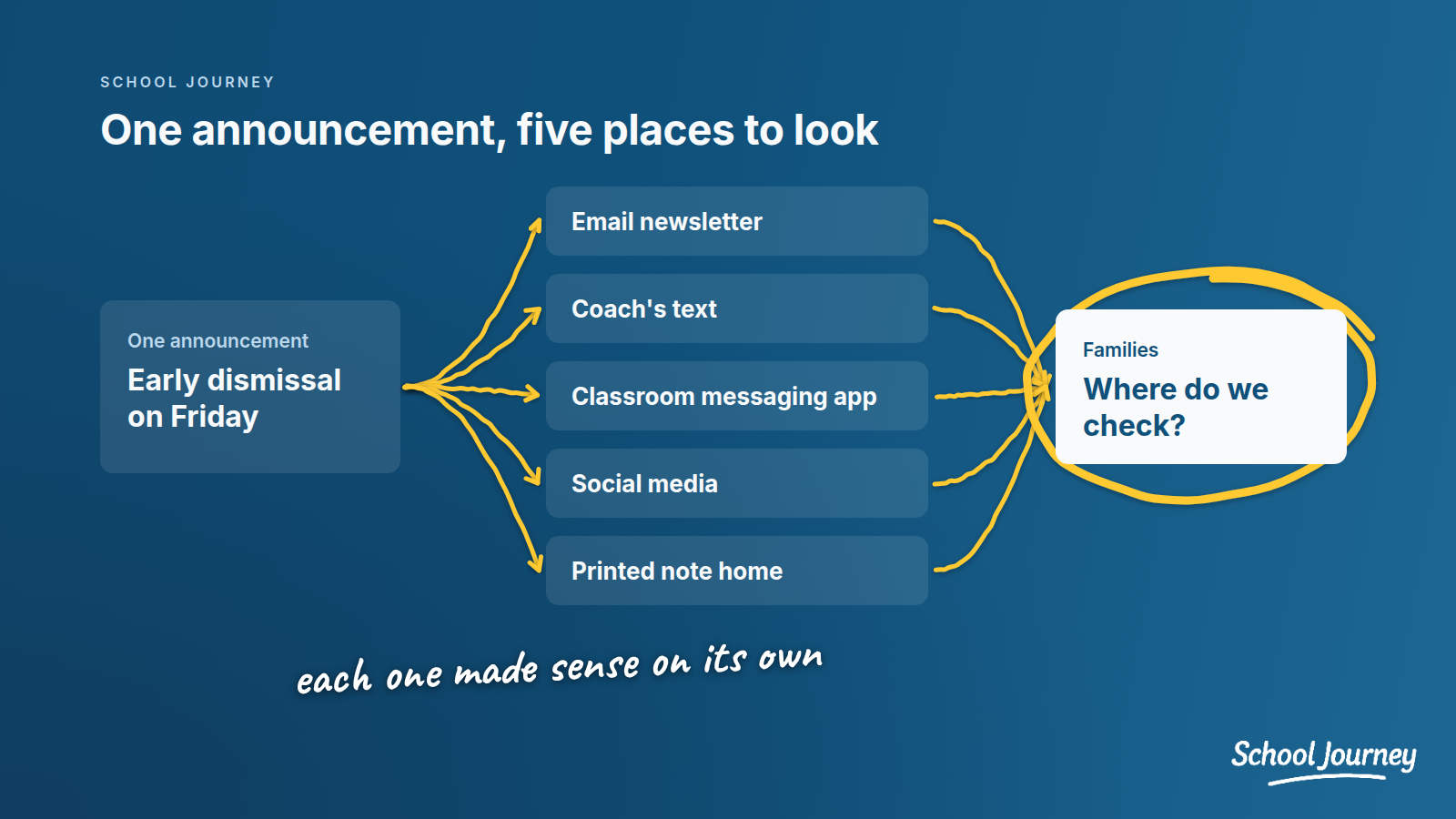
Each of those choices made sense at the time. Put together, they leave families with a small puzzle to solve every week. A parent with a sixth grader and a ninth grader on a sports team might need to check three or four places before they feel sure they haven't missed anything.
What that looks like for families
For families, it mostly shows up as uncertainty. Parents tell the school they "didn't know" about something that was, in fact, sent. That's frustrating for staff, but it's usually honest. The message went out, just not in the place that parent tends to check.
Over time, some families settle on one or two channels they trust and quietly ignore the rest. Others check everything and feel a bit overwhelmed. Neither group is doing anything wrong. They're adapting to a system that asks a lot of them.
What that looks like for staff
Inside the school, the same scatter turns into extra work. A communications director might post one announcement to the portal, send it by email, share it on social media, and then ask a division head to mention it in their own note. The front office spends a good part of the day answering "where do I find..." questions. Teachers and coaches sometimes hold off on posting because it feels like a hassle to get right.
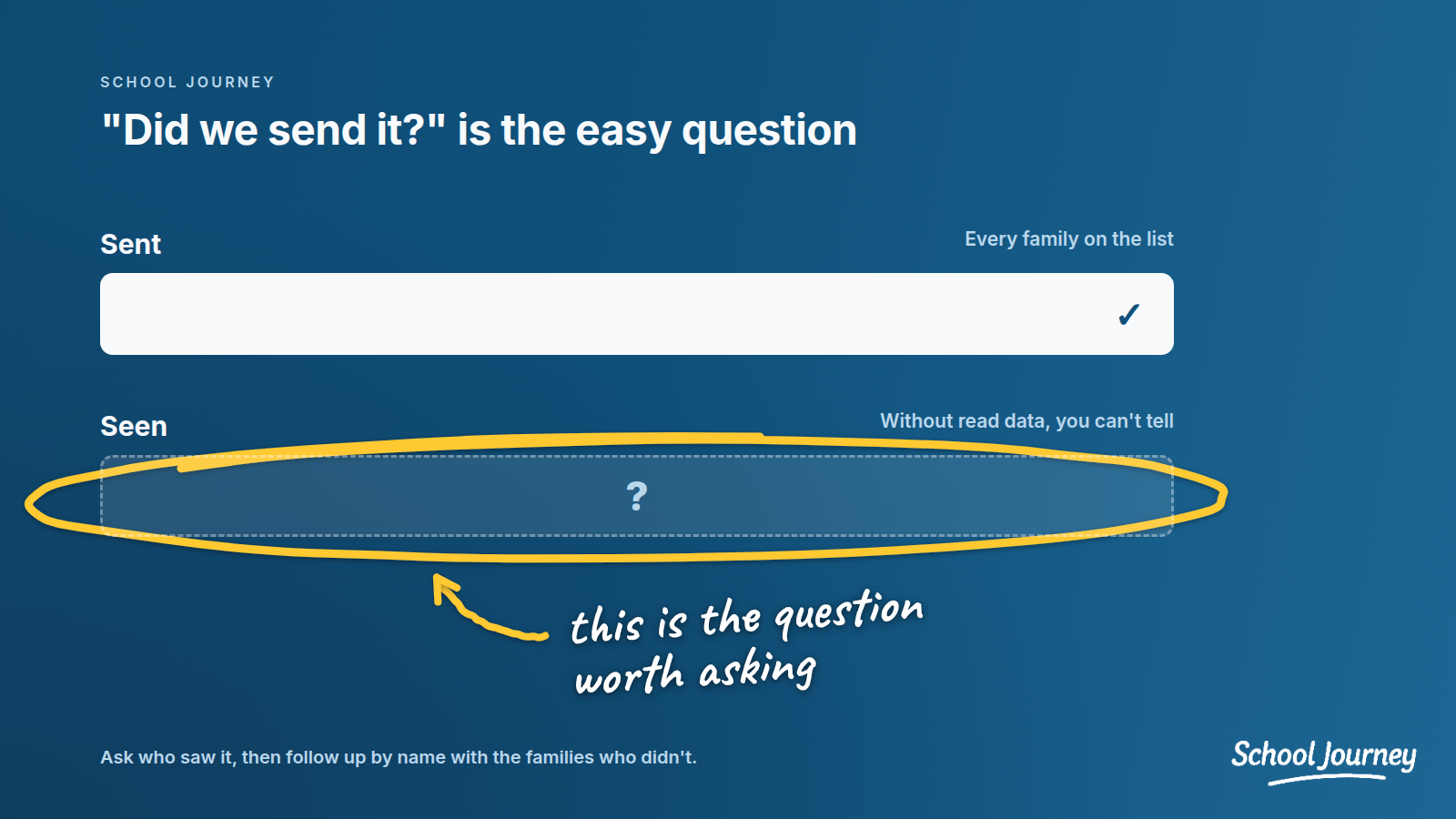
There's a quieter problem too. Once a message has gone out through several channels, it's very hard to know who actually saw it. You can see that an email was sent, but that's not the same as knowing the families who needed it read it in time.
What you can do about it
The good news is that a lot of this can get better without a big project. These steps tend to help whether or not you ever add a new app.
Pick one source of truth
Decide where the definitive version of each type of information lives. For most Blackbaud schools, the natural answer is Blackbaud itself: the calendar in Blackbaud is the calendar, and the schedule in Blackbaud is the schedule. Everything else points back to it rather than keeping its own copy. That alone cuts down on a lot of "which version is right?" questions.
Use fewer channels, each with a clear job
You probably can't get down to one channel, and you may not want to. What you can do is give each channel a clear role and tell families what it is. For example, email for the weekly newsletter, a push notification for time-sensitive changes, and the portal for forms and records.
Set notification preferences early
Families are much more forgiving of messages they've chosen to get. Early in the year, ask them to check their contact details and notification settings in Blackbaud, and explain what kind of messages they can expect from each channel. It's a small ask, and in my experience it saves a lot of confusion later.
Keep your Blackbaud data clean
Your communication can only be as accurate as the data behind it. Old email addresses, missing parent relationships, or out-of-date group memberships mean some families simply won't get the message. A short data check each summer goes a long way.
Check who actually saw it
It helps to get into the habit of asking "who saw this?" rather than "did we send this?" For an important message, look at open rates or read receipts where you have them, and follow up by name with the families who didn't see it. Even a rough version of this, done a few times a year, tells you a lot about which channels are really working.
When it may be time to look at your tools
Maybe you've tried the steps above and you're still posting the same thing in four places, or struggling to reach families quickly when it matters. That can be a sign your tools haven't kept up with how families live now.
Where School Journey fits
This is the problem we built School Journey to help with. It's a native iPhone and Android app that connects to your school's Blackbaud data through the Blackbaud Partner Network, so there's no data to migrate and no separate system for staff to keep up to date. Families sign in with the Blackbaud ID they already have, and what they see follows the roles and permissions you've already set.
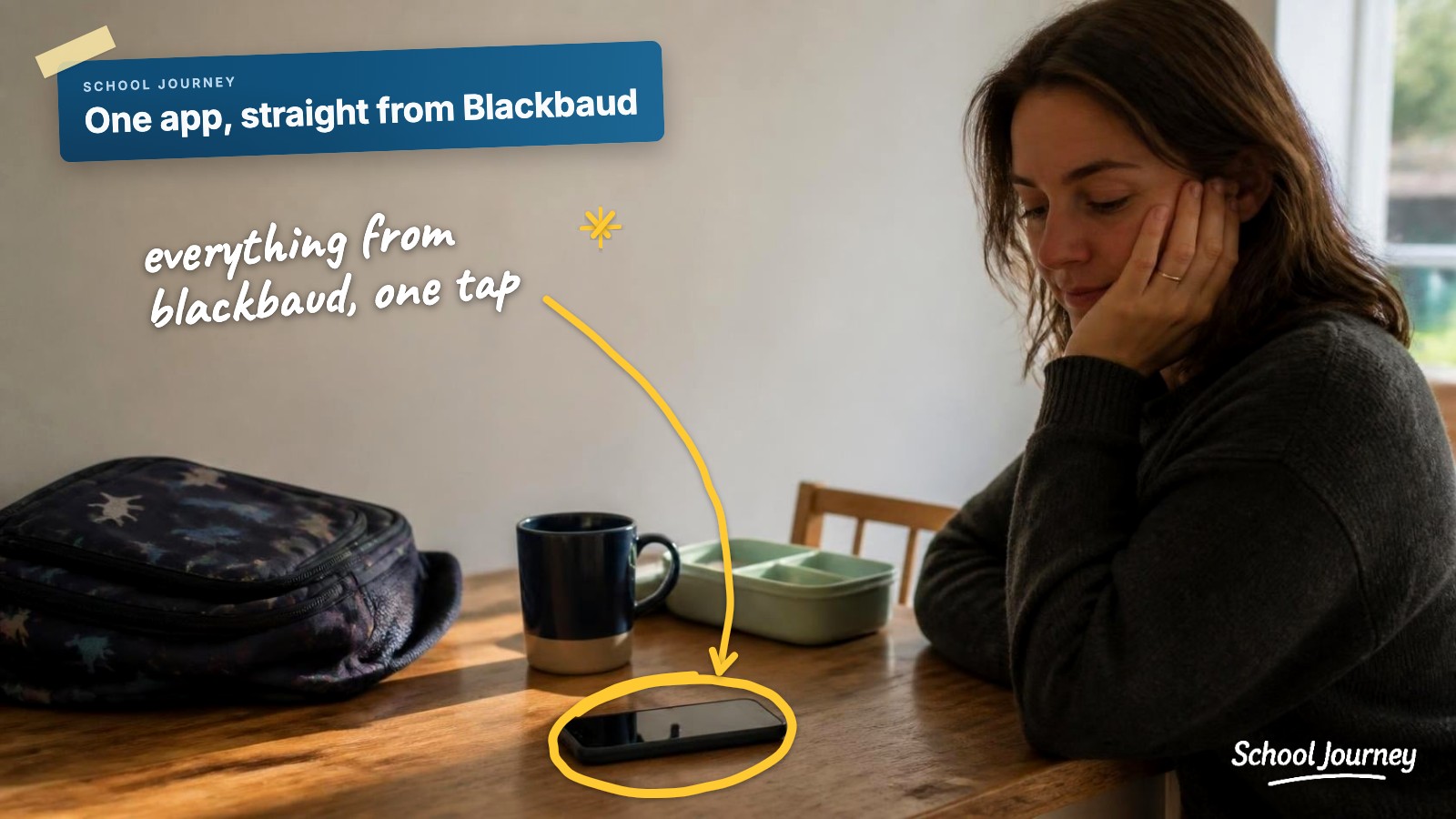
News, announcements, and newsletters flow from Blackbaud straight into the app feed. Families can see their child's schedule, including the class they're in right now, along with the calendar, groups, photo libraries, and resources. When something's time-sensitive, a push notification reaches them on the phone they already carry. Blackbaud stays your source of truth, and families get one place they know to check. Launching usually takes six weeks or more. If you're planning a launch, our guide on how to get parents to actually download your school app walks through the first four weeks.
If you'd like to see how that would look for your families, we're happy to show you the app with your own Blackbaud data:
SCHOOL JOURNEY
See your school's app
with your own Blackbaud data
A personal walkthrough built around your school.
Book a demo now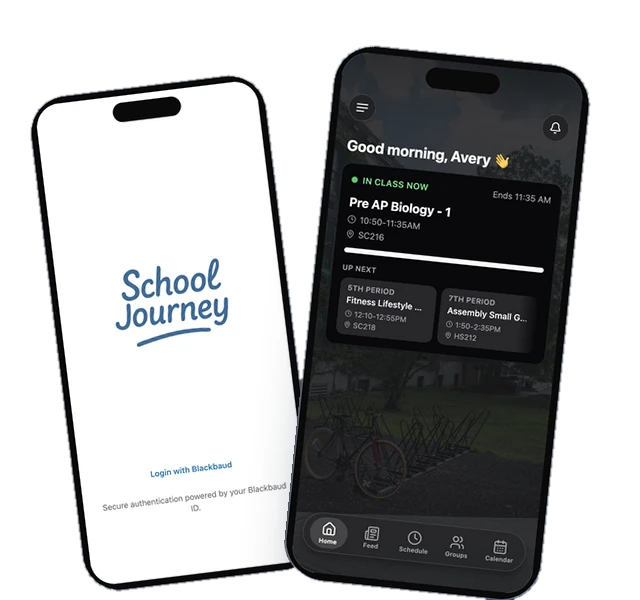
Last reviewed September 2026.
Jamie Giblett is Chief Growth Officer at School Journey, the custom mobile app built for Blackbaud-powered independent schools. He's spent over a decade in independent school technology and helped build the first ever Blackbaud-integrated school app.