



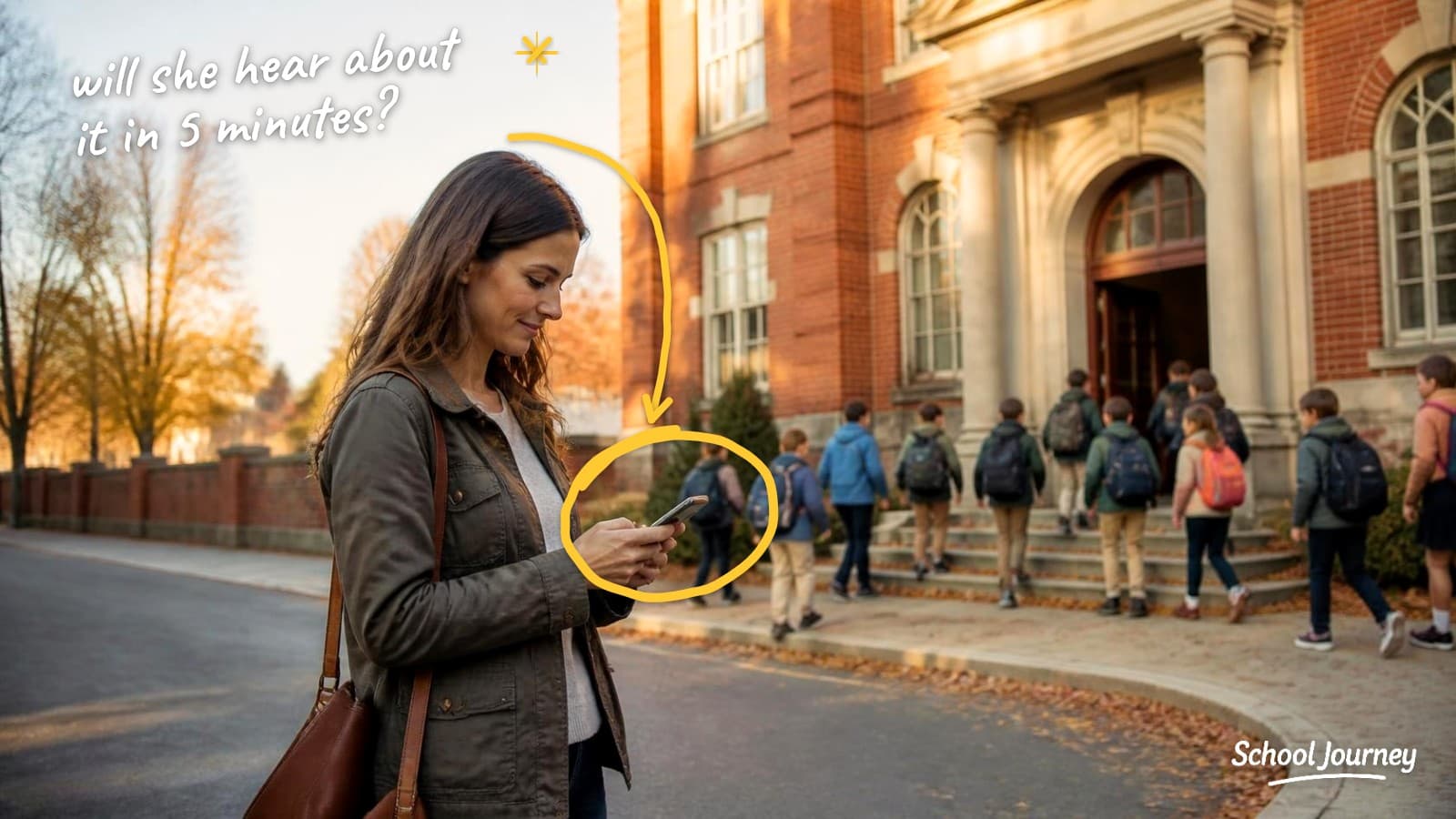
A lot of school app launches lose momentum quietly, and I've seen it play out the same way at plenty of schools. The app works and the data flows. A good share of families install it in the first month, downloads level off, and by November the communications office is back to sending most things by email, because that's the one channel they're confident reaches everyone.
It rarely gets called a failure. It just becomes normal, and the school ends up with an app that a good part of the community has stopped opening.
The good news is that it's usually avoidable, and the fix isn't clever. It's a simple sequence, run steadily, around the moments your families are already paying attention. If your launch was in August and things have gone quiet, you haven't missed your chance, and there's a section near the end on relaunching mid-year.
The short version: launch around a moment families are already paying attention to rather than creating a new one, get staff using the app before parents, put something in the app that parents can't get anywhere else, and give real thought to the notification permission prompt, because it may be the most important screen in the whole experience.
Start by measuring the right number
Most schools measure adoption as downloads divided by families. It's the number vendors tend to put in case studies, and it makes everyone feel good.
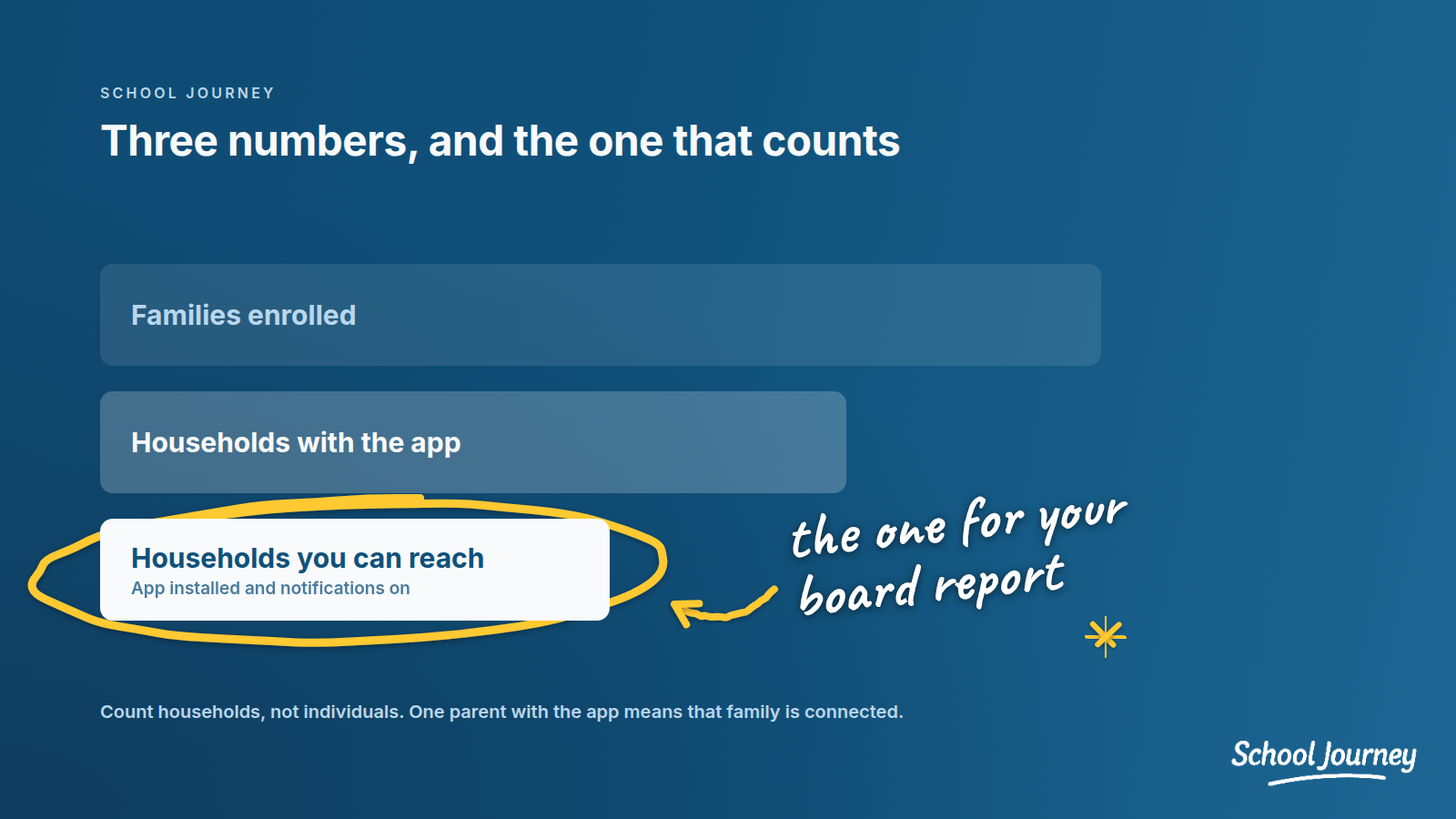
The number that matters more is this one: if something happened at nine tomorrow morning, what percentage of our families would hear it from us within five minutes?
That's usually lower than the download rate, sometimes by a lot. A parent who installs the app but declines notifications has to remember to open it, which means they may well hear about a lockdown from another parent's text first.
Plenty of families tap "Don't Allow" when their phone first asks about notifications, and very few go back into their settings to change it. So a school with a strong download rate can have a noticeably lower reachable rate. That's a very different conversation to have with a board.
We'd suggest tracking two numbers from day one:
Household coverage. The percentage of enrolled families where at least one adult has the app installed. Count households, not individuals: one parent with the app means that family is connected.
Reachable rate. The percentage of enrolled families where at least one adult has the app installed and notifications turned on. This is the one we'd put in the board report.
A note on the benchmarks you'll be shown
Most of the adoption figures you'll see, including some very impressive ones, come from public school district case studies published by the vendors who sold them the app. They're useful as a rough guide, but they describe a different situation from yours: bigger communities, looser school-to-family relationships, no enrollment contract, and no tuition.
Independent schools have every chance of doing better than those numbers, because you have ways of reaching families that districts don't. It mostly comes down to using them early.
The four weeks that make the biggest difference
Two weeks before launch: staff first
Ask every adult who works at the school to install the app before any parents hear about it. It's the step that most often gets skipped, which is a shame, because it matters a lot.
A parent will probably ask a teacher about the app at pickup in the first few days. If the teacher says "I think there's an app, I haven't looked at it yet," a lot of the momentum goes. If she says "yes, I post our class photos there now," there's a good chance that parent installs it in the parking lot.
Fifteen minutes in a faculty meeting usually does it. Have everyone download it in the room rather than sending an email asking them to.
One week before launch: fill it up
An empty app is hard to come back to. If a parent opens it on day one and sees a calendar with three entries and no photos, there's a chance they won't open it again.
Before you announce anything, get the term's calendar in, the directory live, division-level content in place, and a handful of real posts up. Ask your vendor to do this with you rather than handing over a login. It's their job as much as yours.
Launch week: use a moment that already exists
Rather than creating a launch moment, attach it to one that already has your community's attention. Roughly in order of impact:
The enrollment or re-enrollment packet. It's likely the most-read document you send all year, because families work through it carefully. A download step in the packet will usually do more than any email.
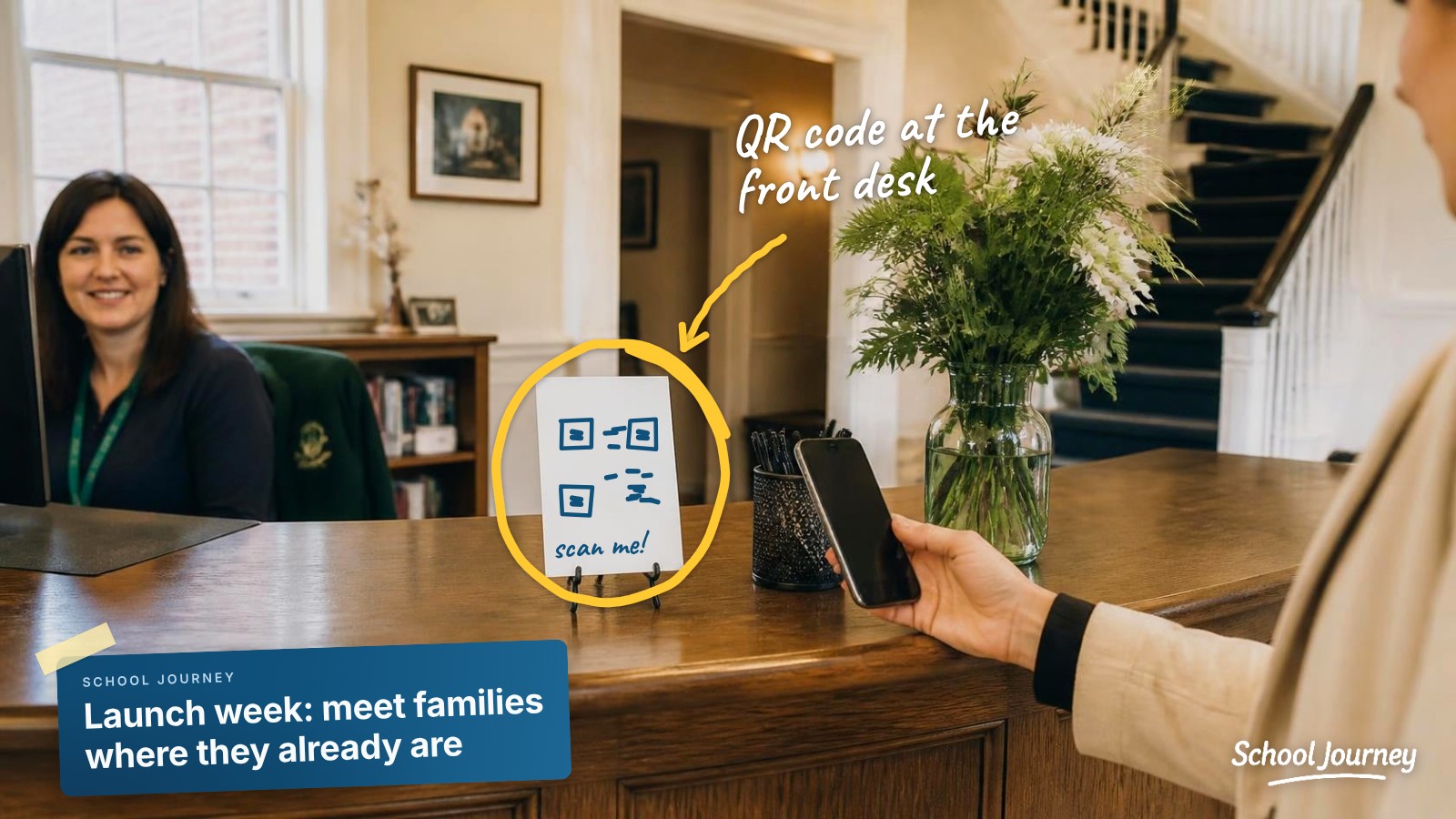
Back-to-school night, or any evening families attend in person. Put the QR code on the screen and give it ninety seconds from the front of the room, with an actual pause so people can get their phones out and do it. You'll often get most of the room in a couple of minutes.
The first day of school, or the first day back after a break. It's a day when parents most want information.
Week one: make the first notification count
The first notification a parent gets sets their expectations for the rest. "Welcome to the new school app" doesn't give them much reason to keep notifications on.
Make the first one something they'll be glad to get: photos from the first morning, a dismissal change, a game result. You want parents to think "good, I'm glad I have this," not "I should turn these off."
Weeks two to four: follow up by name
This is where independent schools have a real advantage, and where a lot of schools stop.
You know which families haven't installed it yet. That list is usually short enough to work through personally. A division head sending fifteen individual messages will often do more than three more all-school emails, because the all-school email mostly reaches families who already have the app.
It also helps when the front office mentions it at pickup and advisors bring it up in early check-ins, so it feels like part of joining the school rather than an IT project.
Give the notification prompt some thought
Every parent sees one system prompt asking whether to allow notifications. If they tap "Don't Allow," most won't go into their settings to change it later, and that family may not be reachable for the rest of the year.
Two things help:
Ask at the right moment. A parent who's been using the app for three seconds doesn't know what they're agreeing to yet. A short screen before the system prompt that explains what notifications will be used for, and what they won't, tends to help a lot. It's worth asking any app vendor about.
Promise restraint, and keep the promise. "We'll use this for schedule changes, closures, and urgent news" is something most parents will say yes to. If the reality turns into three notifications a day about bake sales, there's a good chance families switch them off, and some of them won't come back.
The step most schools hesitate over
Put something useful in the app, and only in the app.
Many schools launch an app while reassuring families that nothing will change and everything will still arrive by email. That's a kind and reasonable decision, but it also tells parents the app is optional, and adoption usually reflects that.
It doesn't need to be drastic. Photo galleries could live in the app only. Game results and schedule changes could go to the app first and the newsletter later. One genuinely useful thing that lives there is often enough.
Emergency communication is the exception: anything safety-related should always go out through every channel you have. For everyday content, though, it's worth giving families a reason to open the app.
A few things we'd avoid
Launching in May. Attention drops off, and the app can sit unused over the summer.
Announcing by email alone. The families you most need to reach are often the ones who aren't reading school email, which is probably part of why you wanted an app. We've written more about why parent communication gets scattered at Blackbaud schools.
Making it sound optional. "You may also wish to download our new app" tends to get the response you'd expect.
Running every channel side by side forever. After six months or so, it helps to decide what lives where and let families know.
Treating launch as a one-off. New families join every year, and each of them needs the same introduction.
If your launch is already behind you
You can still get there. It just takes a bit more effort. Pick a moment that's already on your calendar, like parent-teacher conferences, the start of a sports season, an admissions open house, or re-enrollment, and run the same four-week sequence around it. The one thing that rarely works is a single email mid-year with nothing around it.
If you're in a trial
A 30-day trial is enough time to see whether an app will work for your families, as long as week one is spent launching rather than exploring. An app that sits unannounced for two weeks mostly tells you that unannounced apps don't get downloaded.
By the end of a trial, it helps to be able to tell your head of school three things: your household coverage, your reachable rate, and one real example of a message that reached families faster than email would have. That last one often carries the most weight in the room.
What to expect from your vendor
Adoption isn't only the school's job. A good partner should help you get content into the app before launch, give you ready-made download materials so no one at school is designing a QR code flyer at eleven at night, handle the notification prompt thoughtfully inside the app, and have a named person working through the launch with you.
That's what we try to do at School Journey. Every school we launch gets a ready-made launch pack: a printable guide to getting the app, graphics for social media and your website, an email signature banner and a launch email for families. It's a fair thing to expect from any vendor, and if you're still weighing your options, Is There a Blackbaud School App for Parents? walks through them.
If you'd like to see how a launch would work for your school, we're happy to show you with your own Blackbaud data:
SCHOOL JOURNEY
See your school's app
with your own Blackbaud data
A personal walkthrough built around your school.
Book a demo now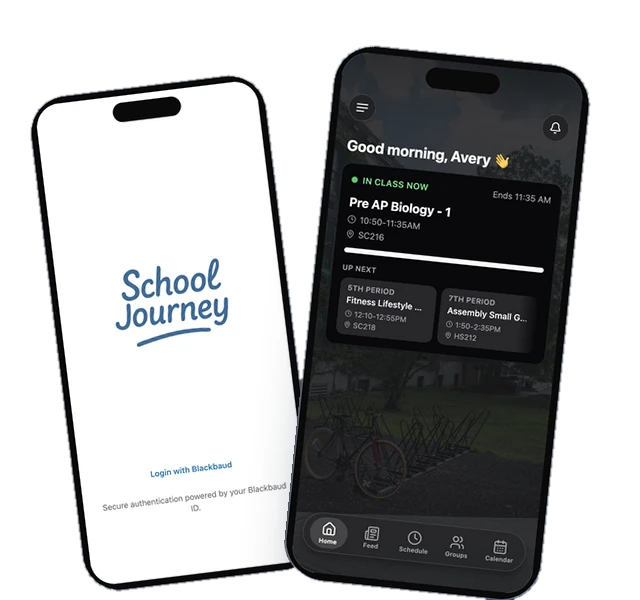
Last reviewed September 2026.
Jamie Giblett is Chief Growth Officer at School Journey, the custom mobile app built for Blackbaud-powered independent schools. He's spent over a decade in independent school technology and helped build the first ever Blackbaud-integrated school app.