

Why parents keep looking for an app that isn't there
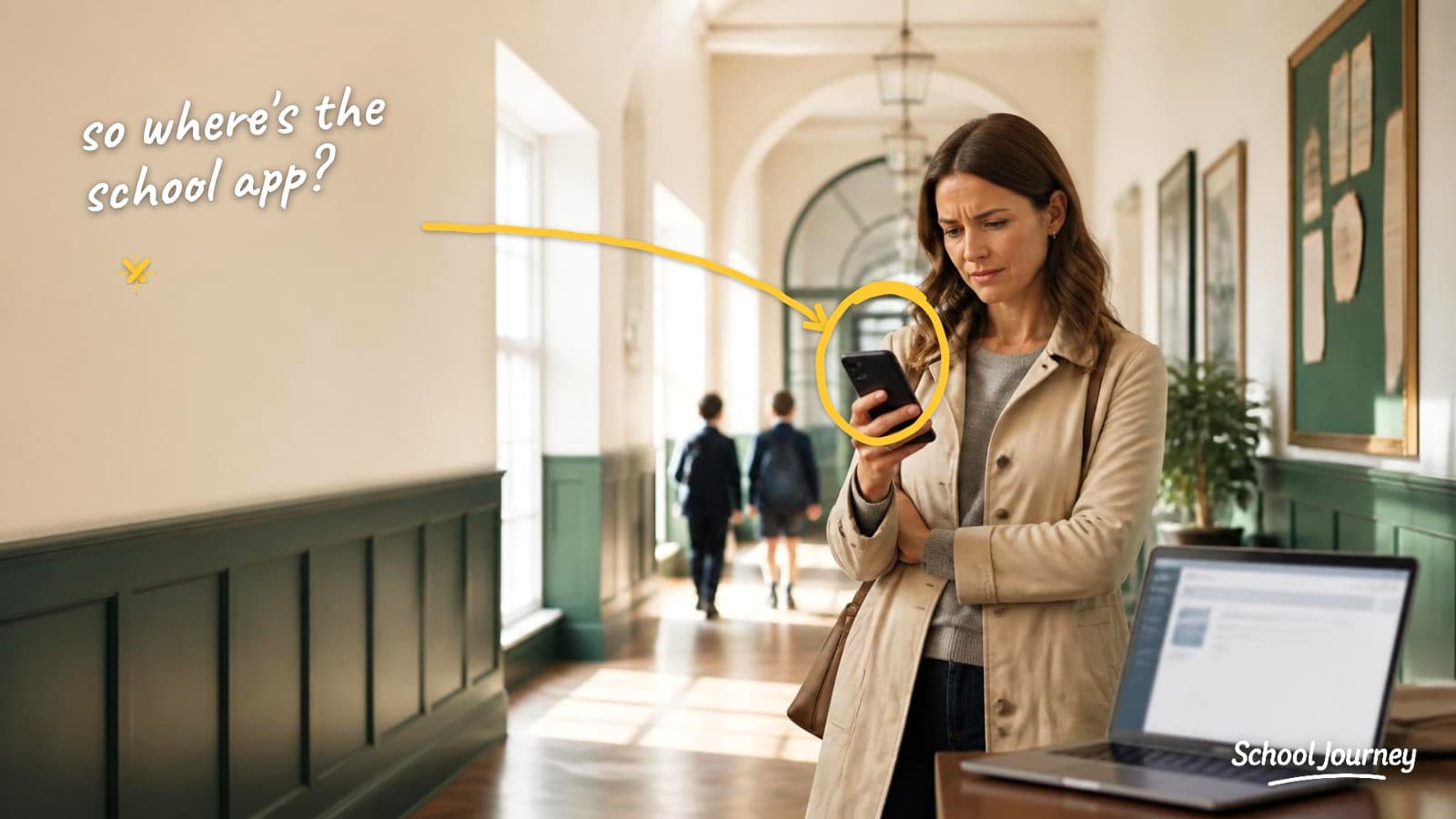
If you work at a Blackbaud school, you've probably had this email. A parent writes in at the start of the year asking where to download the school app. You explain that the portal is a website, and they ask why the address has the word "app" in it. It's a fair question, and there isn't a great answer.
So is there an app from Blackbaud for parents? Not at the moment. Blackbaud doesn't offer a native parent app for its K-12 products. Families use the web portal, usually at an address ending in myschoolapp.com, and sign in with their Blackbaud ID to see schedules, grades, assignments, the directory, and billing. Schools that want a real app on parents' phones use a partner app that connects to their Blackbaud data through the Blackbaud Marketplace.
Part of it is the address. Every Blackbaud school sends families to a URL with "app" in it, so parents do what anyone would and search the App Store. They find nothing, or they find another school's app, and then they email the front office.

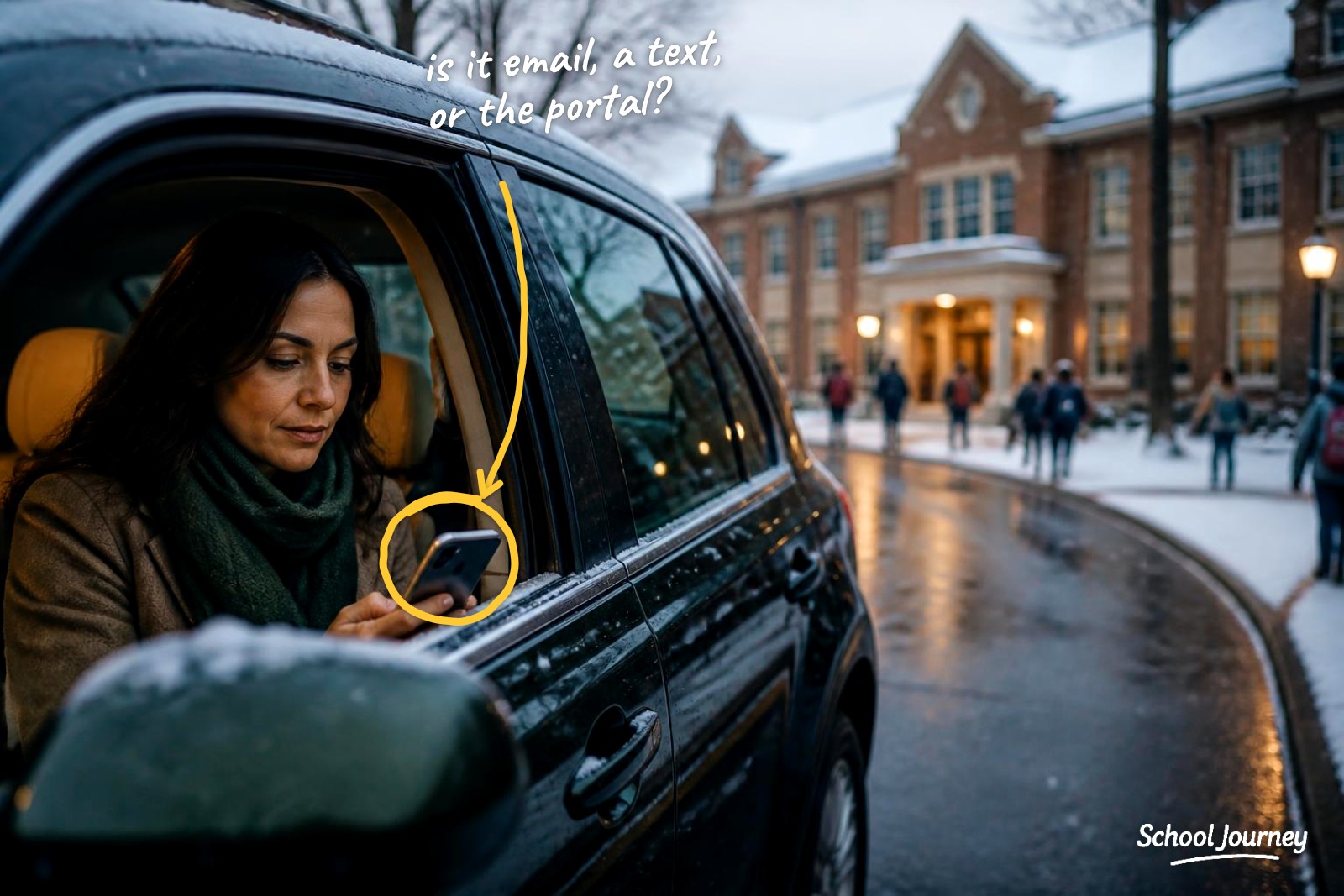
The other part is how parents use their phones. Most of them expect anything important to arrive as a notification. A web portal, however good it is, can't do that. It waits for someone to visit.
What Blackbaud gives families today
Quite a lot, and it's worth being fair about that. The portal works on any device, and one Blackbaud ID opens up the whole family experience: schedules, assignments, report cards, attendance, the directory, forms, enrollment contracts, and tuition payments. As a system of record it's genuinely strong.
Families can also choose how they hear from the school. In the portal's notification settings, parents can pick email or text for school messages. When families tell you they're missing things, it's worth checking whether they've ever set those preferences. It's free, and in my experience it sorts out more cases than you'd expect.
What the portal isn't, and was never really designed to be, is something that runs beautifully on a smart device.
What happened to the older Blackbaud mobile apps
Anyone who's been around a while will remember Blackbaud apps. They did exist. The Blackbaud Tuition Management mobile app was removed from the App Store and Google Play at the end of August 2022, and Mobile was deprecated from the School Website System about a month later. Blackbaud chose to consolidate around one web experience secured by Blackbaud ID rather than keep separate native apps going.
Where Blackbaud is heading
At this July's K-12 User Conference, the announcements centered on an Admissions Agent, a Parent Support AI pilot for billing questions, dynamic enrollment contracts, and a consolidated data layer. Most of the investment is going into AI and workflow rather than native apps.
That's useful to know if you're planning. If you've been holding off on a decision until Blackbaud releases its own parent app, the roadmap suggests that may be a long wait. Blackbaud is building the platform, and the Marketplace is there so partners can build on top of it.
Where the gap shows up for a school
Usually in four places:
No push channel. A snow day, a bus delay, or a venue change goes out by email and competes with everything else in a parent's inbox.
Login friction. Checking a schedule means opening a browser, typing an address, and sometimes resetting a password. When a two-second task takes two minutes, a lot of parents stop doing it.
Scattered communications. Newsletters in email, updates in the portal, urgent notices by text, photos somewhere else. Parents aren't always sure where to look. We've written more about why that happens at Blackbaud schools.
No school brand on the home screen. For a school that competes for enrollment, the icon families see every day matters more than it might seem.
Your five realistic options
1. Help families save the portal to their home screen
It's free, it works today, and it's worth doing whatever else you decide. iPhone and Android can both pin a web page as an icon, which saves typing the address. It won't give you push notifications, and most families won't do it without a nudge.
2. A standalone ready-built school app
There are plenty of general-purpose school apps that aren't connected to Blackbaud. They're usually quick to set up and handle the basics well: news, a calendar, and push notifications. Because they sit outside Blackbaud, though, someone at school usually ends up posting things twice and keeping a separate list of families up to date, and parents still head to the portal for schedules, grades, and assignments.
3. Your website provider's app
Your public website provider may offer a companion app. These are often good at news, calendars, and alerts. Because they're built on the website rather than the SIS, they usually can't see all student data, so parents still open a browser to check the schedule.
4. Build something yourself with an AI app builder
AI app builders and low-code tools have changed what one person can put together. Someone on your team can now build something that looks and works like an app in an afternoon, and some schools are already doing this for summer programs, camps, and events. For a single-purpose app like that, it can be a great fit.
It gets harder when the app needs your school's data. Schedules, groups, directories, and permissions all live in Blackbaud, and connecting to them securely, keeping that connection working, and getting through app store review each time something changes is where most of the effort goes. That usually falls to whoever built it, and there's a chance the app slowly falls behind once they move on.
5. A Blackbaud-integrated partner app
An app connected through the Blackbaud Marketplace using the SKY API reads directly from the system you already run. Schedules, assignments, directories, and announcements show up in the app because they're already in Blackbaud, so there's no double entry and no second source of truth. Access follows the permissions you've already set up.
Questions worth asking any app vendor
Whichever route you're leaning toward, these six questions help separate a real integration from a nice-looking shell:
Are you a Blackbaud Partner Network member with a Marketplace listing?
If a vendor is reading your data without one, it's worth asking exactly how. It's your data.
Which Blackbaud data does the app actually show?
Ask for the specific list. Schedules and assignments are a different thing from a news feed.
Does it follow our Blackbaud roles and permissions?
A parent should see their own children and no one else's, and that should come from Blackbaud rather than being rebuilt.
Can the app carry our school's name and colors?
Ask to see what families will actually have on their home screen.
What does onboarding need from us?
If the honest answer is a data migration and six weeks of IT time, it's better to know up front.
How do parents sign in?
With the Blackbaud ID they already have, or a second login your front office will be resetting all year.
Where School Journey fits
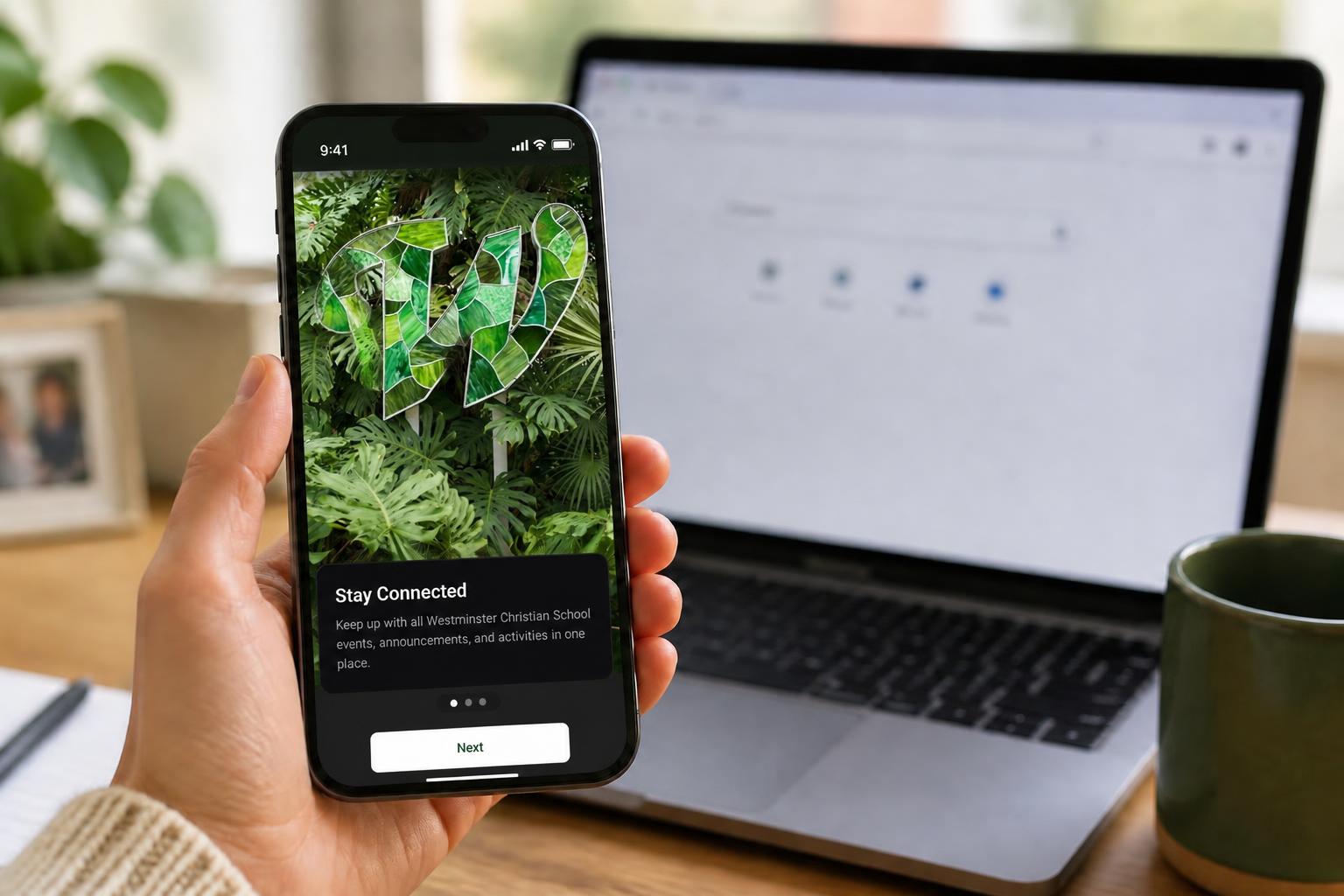
We built School Journey for exactly this gap. It's a native iPhone and Android app for Blackbaud-powered independent schools, connected through the Blackbaud Marketplace, branded in your school's name and colors, and reading live from the Blackbaud data you already look after. Parents sign in with their Blackbaud ID, and there's no data to migrate.
Your newsletters, news, and announcements flow from Blackbaud straight into the app feed. Families can chat with the school, browse photo libraries for classes and teams, and see their child's current class in real time. Teachers and coaches can take attendance in the app in a few seconds.
Common questions
How do I get a mobile app for my school?
There are five realistic routes: help families save the portal to their home screen, use a standalone school app, use your website provider's app, build something yourself with an AI app builder, or use an app connected to Blackbaud through the Marketplace. The right choice mostly comes down to whether families need their Blackbaud data in the app, or just news and alerts.
Does Blackbaud have a mobile app for parents?
Not for its K-12 products at the moment. Families use the web portal and sign in with a Blackbaud ID.
Can I download mySchoolApp from the App Store?
No. Despite the name, myschoolapp.com is a web address rather than an app you can download.
Can our school build our own app on Blackbaud data?
Yes. The SKY API School endpoints are open to schools and approved developers, and some schools hire an agency to do the build. One school we work with had been quoted around $30,000 a year by an agency, and the agency couldn't say how the app would connect to their Blackbaud data. Most schools find the ongoing maintenance, app store releases, and support load outweigh the build.
Is a third-party app secure?
A Marketplace-connected app signs in through Blackbaud ID and inherits the permissions you've set. Your platform manager authorizes the connection and can revoke it at any time.
How long does it take to launch?
For a partner app connected through the Marketplace, it's usually weeks rather than months, because there's no data to migrate. Once it's live, our guide on how to get parents to actually download your school app covers the launch itself.
If you'd like to see what your school's app would look like, we're happy to show you with your own school's data:
SCHOOL JOURNEY
See your school's app
with your own Blackbaud data
A personal walkthrough built around your school.
Book a demo now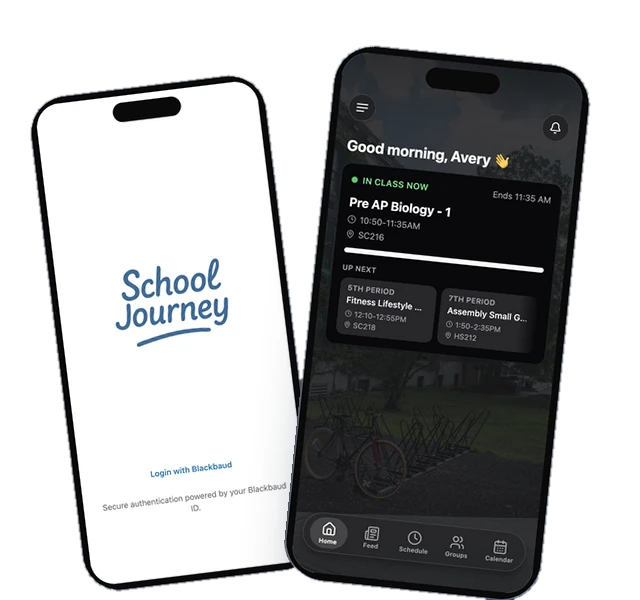
Last reviewed September 2026.
Jamie Giblett is Chief Growth Officer at School Journey, the custom mobile app built for Blackbaud-powered independent schools. He's spent over a decade in independent school technology and helped build the first ever Blackbaud-integrated school app.