


Almost every school platform says it integrates with Blackbaud. Website builders say it, email tools say it, and so do plenty of other products in a school's tech stack. The phrase is true often enough that most schools stop asking questions after they hear it.
The trouble is that "integrates with Blackbaud" can mean very different things. For one product it means your mailing lists stay up to date. For another it means a parent opens an app and sees tonight's assignments for each of their children. Both are real integrations. Only one of them changes a family's school day.
The short version: before you take "integrates with Blackbaud" at face value, ask which data comes across, which way it flows, how often it refreshes, and what families actually see. Many platforms sync people and contact details for email lists and directories. A family app should bring schedules, classes, assignments, and school news to each parent's phone, with the Blackbaud ID they already have.
Two very different kinds of Blackbaud integration
Most Blackbaud integrations fall into one of two groups, and it helps to know which one you're being shown.
A contact and roles sync. The platform copies people from Blackbaud: names, email addresses, roles, grade levels, and which parents belong to which students. Some add athletics schedules. That data then powers email lists, website directories, and audience targeting. It's useful work, and it's built for the communications office.
A family data sync. The app reads the information families go looking for in the portal: each child's schedule, classes, assignments, calendar, and school news, plus class grades and graded assignments where your school shares them. Each family sees only their own children, because the app follows the permissions already set in Blackbaud.
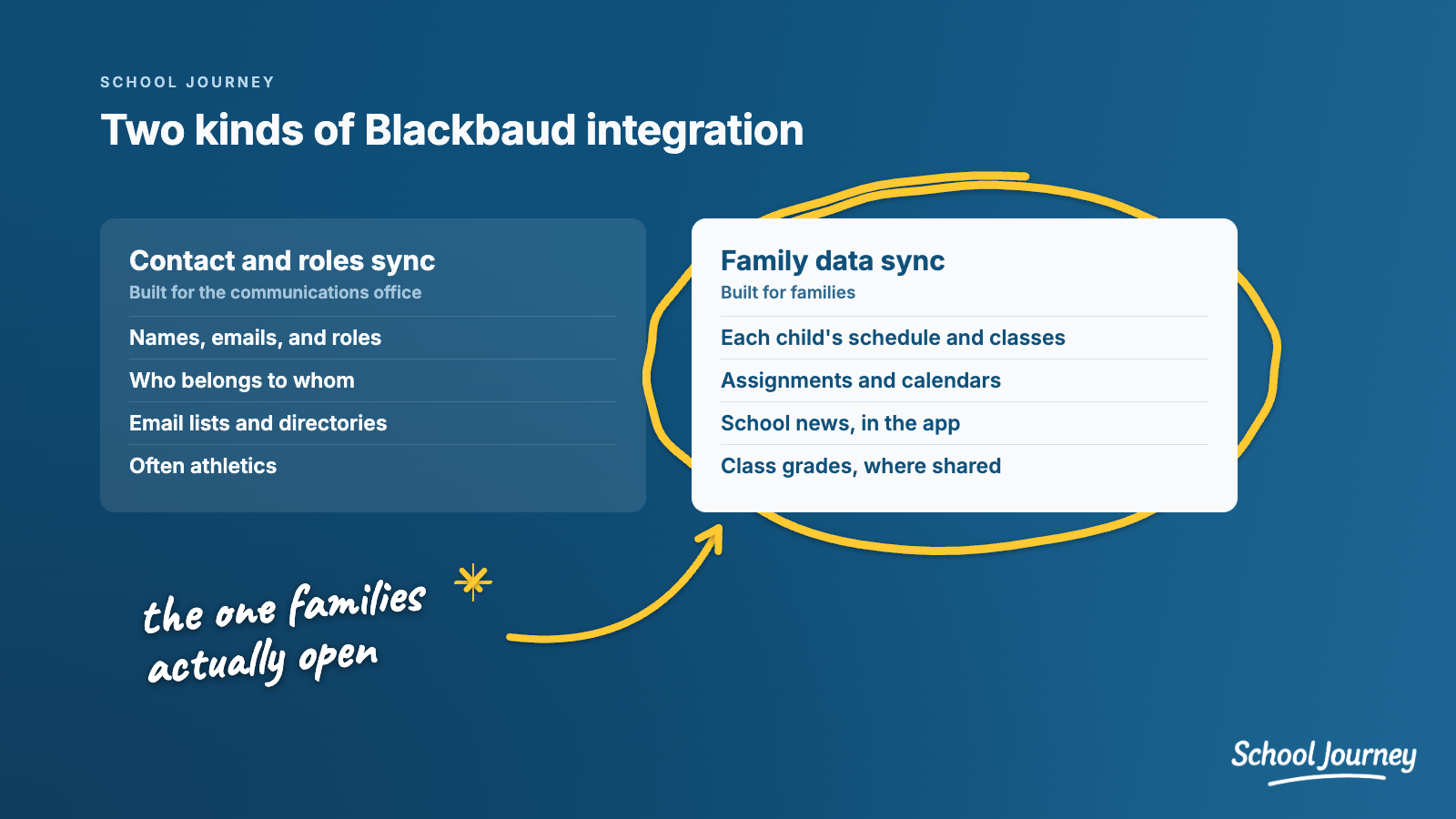
A contact sync keeps your lists tidy. It doesn't stop a parent from logging in to the portal on their phone three times a week to find out what's due tomorrow. That's the problem most schools are trying to solve when they look for an app.
Why the difference is easy to miss
In a sales demo, both kinds of integration can look impressive. A directory full of real families from your school looks like deep integration. So does an athletics calendar that updates on its own.
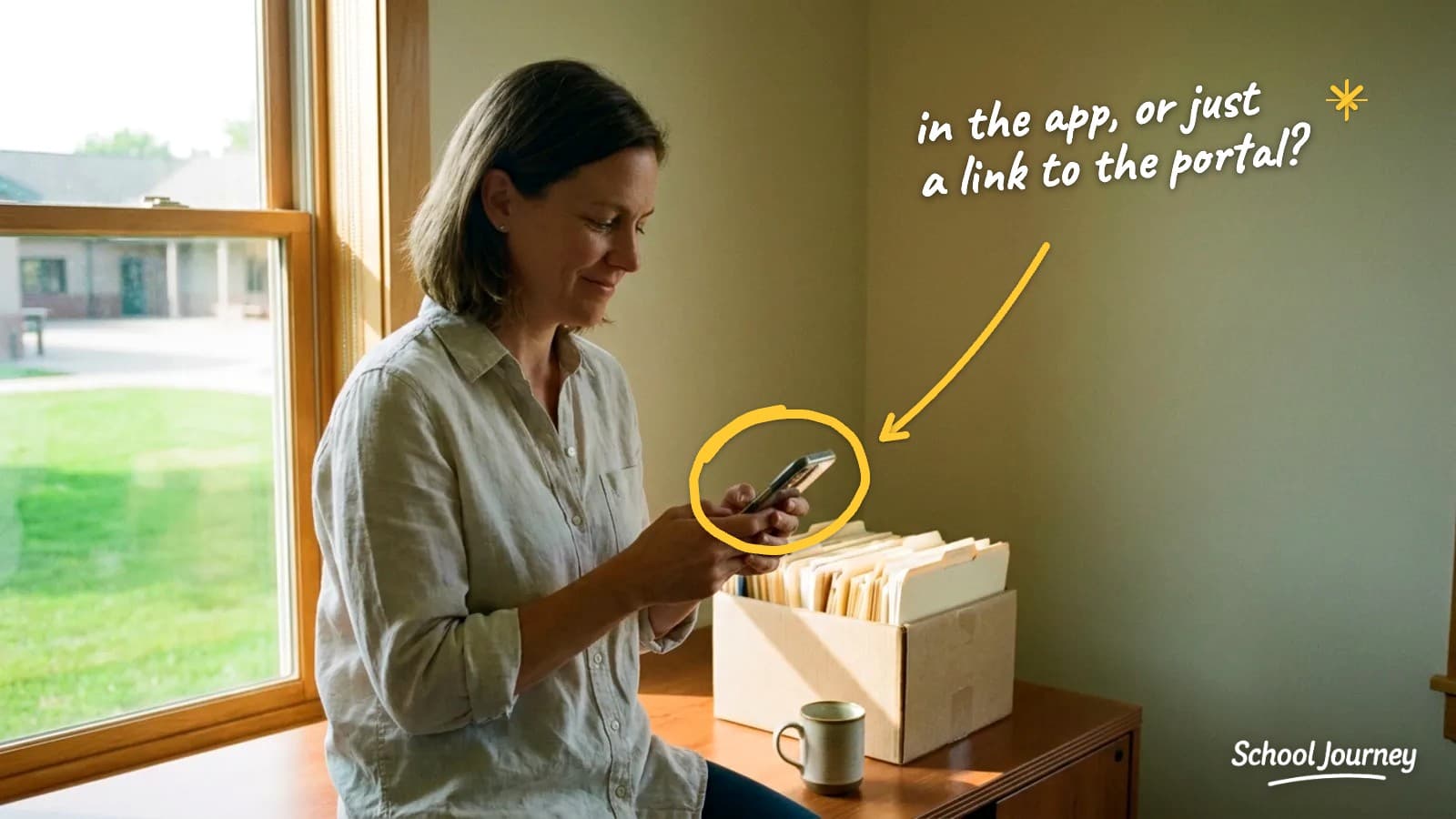
The gap usually shows up later, when a parent opens the app and taps "Classes" or "Homework" and lands on a link to the portal, with another login screen. At that point the app is a doorway to the same experience families already struggle with, not a replacement for it.
Questions to ask any vendor
You don't need to be technical to get clear answers. These questions get to the point quickly:
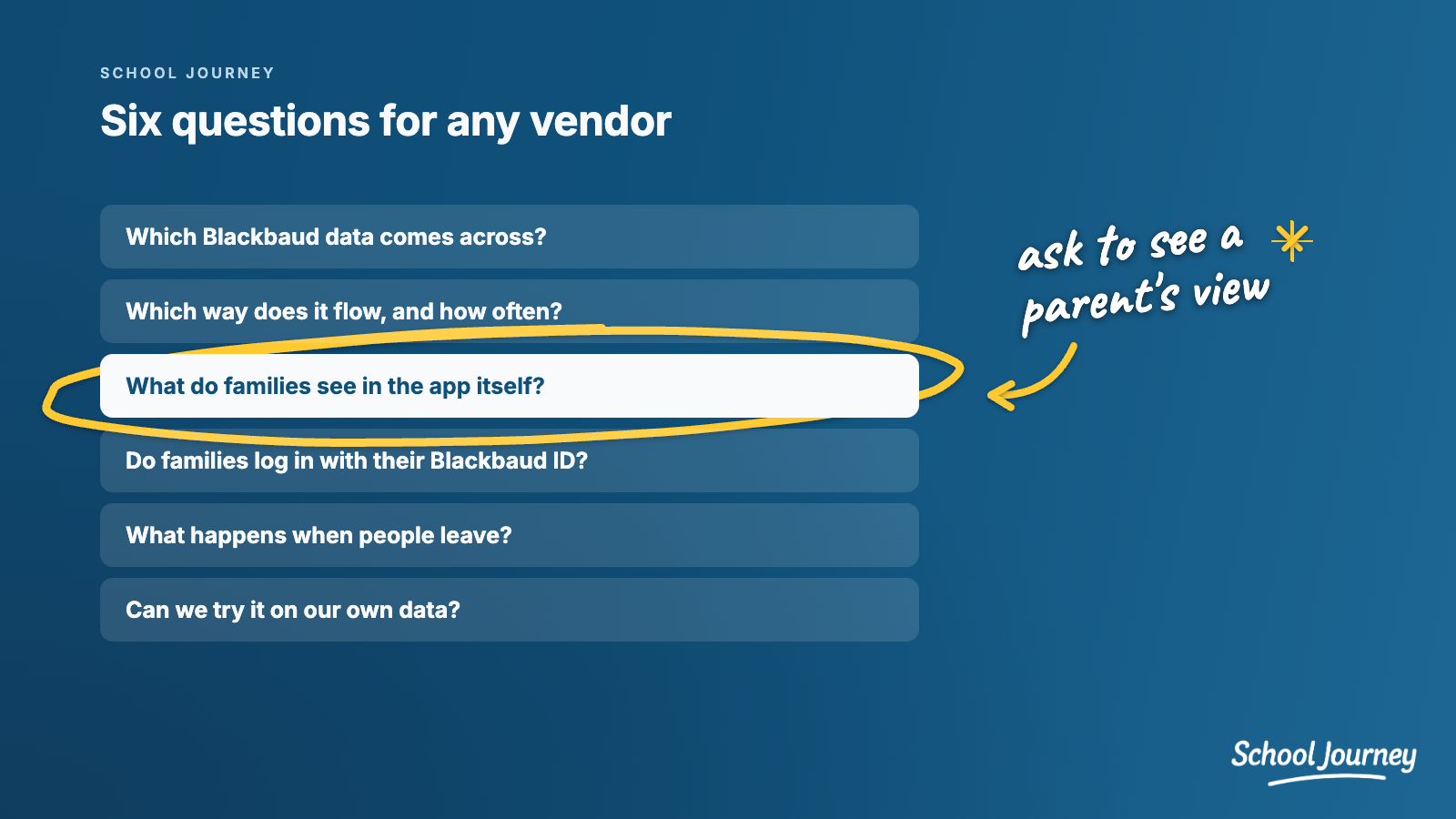
Which Blackbaud data do you bring across? Ask for the actual list: people and roles, schedules, classes, assignments, grades, calendars, news. "Your Blackbaud data" isn't an answer.
Which way does it flow? Most integrations only read from Blackbaud. That's normal, but ask whether anything is written back, such as attendance.
How often does it refresh? Hourly, nightly, or live? And does everything refresh, or only part of it?
What do families see in the app itself? Ask to see a parent's view with real data. Does it show schedules and assignments in the app, or link out to the portal?
How do families log in? With the Blackbaud ID they already have, inside the app? Or with a new account and password?
What happens when a family leaves? If a family withdraws, are they removed from the app automatically?
Who keeps it running? Is there a field mapping project at setup? When something needs changing, do you file a support ticket and wait?
Can we try it on our own data? A trial on your real Blackbaud data answers most of these questions in a week.
You don't have to replace your website platform
Here's the good news: this isn't an either-or decision. Your website and email platform can keep doing what it does well, and a family app can sit alongside it.
That's how School Journey works at most of our schools:
Blackbaud data in every pocket. Schedules, classes, rosters, assignments, calendars, and news come straight from Blackbaud, and each family logs in with their Blackbaud ID.
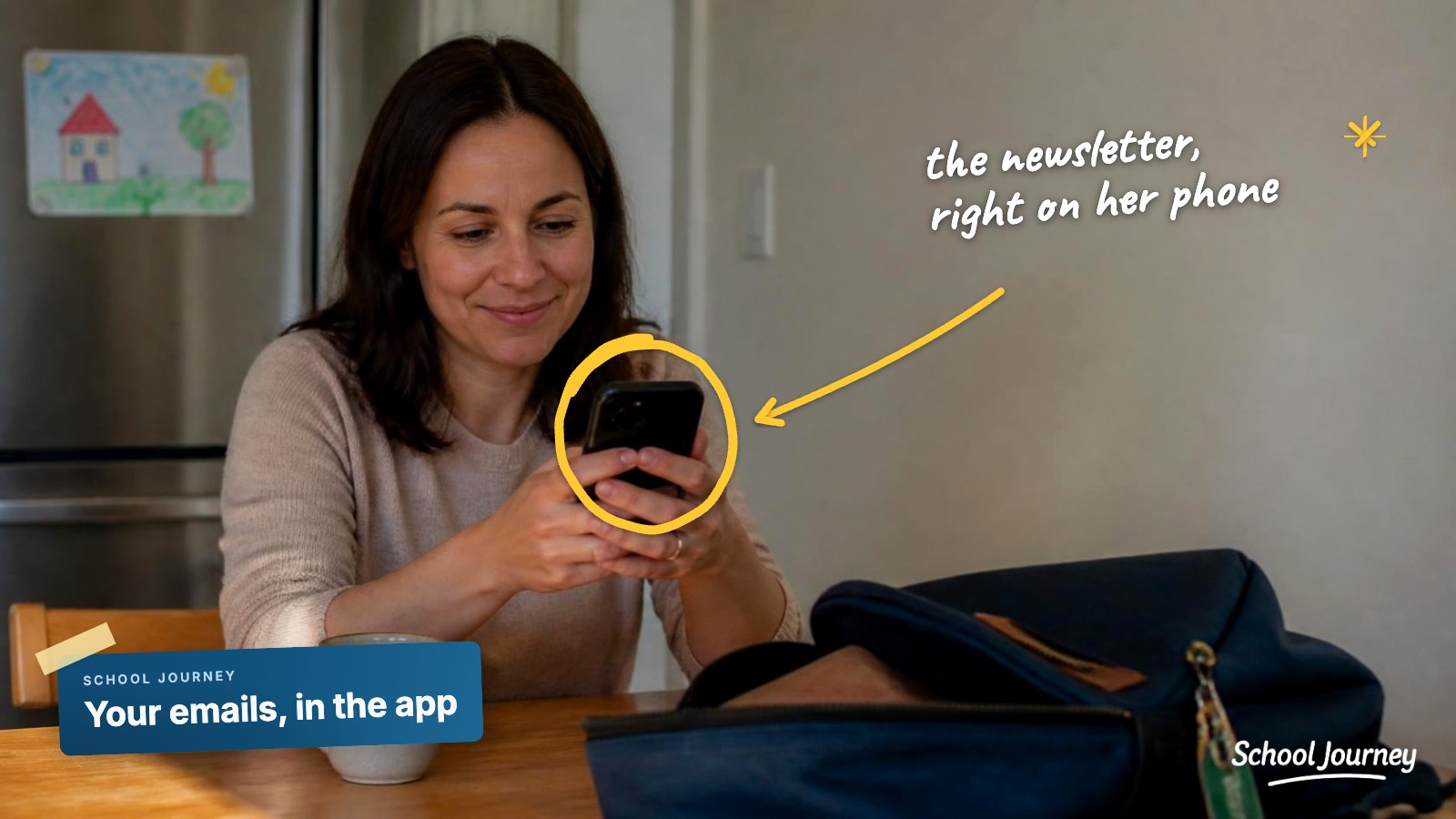
Your emails, in the app. Add one School Journey address to the mailing lists you already send from, whatever email tool you use, and every send lands in the app with a push notification to the Blackbaud groups you choose.
Your website news, too. News from your website can flow into the app feed, so your communications team doesn't post the same story twice.
If you're still weighing your options, Is There a Blackbaud School App for Parents? walks through them, and Is Your School App in the Blackbaud Marketplace? explains what a Marketplace connection means for your data.
Common questions
Is a contact sync a bad thing?
Not at all. If you need accurate email lists and an online directory, it does exactly that. It just isn't the same as giving families their school day in an app, so it's worth knowing which one you're buying.
Will a family app show report cards?
Blackbaud doesn't offer report cards to partner apps. What a family app can show, where your school chooses to share them, is each class's grade for the marking period and graded assignments. Be wary of any vendor that promises full report cards.
Do we have to choose between our website platform and a family app?
No. Many schools keep their website and email platform and add a family app for the day-to-day. With School Journey, the emails you already send can appear in the app feed automatically.
If you'd like to see what your families would see, we'll show you School Journey on your own Blackbaud data, and then you can try it free for 30 days:
SCHOOL JOURNEY
See your school's app
with your own Blackbaud data
A personal walkthrough built around your school.
Book a demo now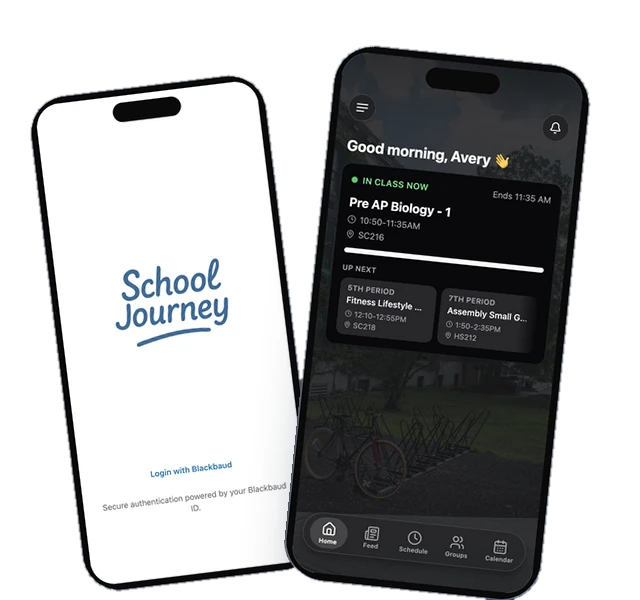
Last reviewed October 2026.
Jamie Giblett is Chief Growth Officer at School Journey, the custom mobile app built for Blackbaud-powered independent schools. He's spent over a decade in independent school technology and helped build the first ever Blackbaud-integrated school app.