

When you're choosing a family app, one question tells you a lot about how a provider will handle your school's data: are they in the Blackbaud Marketplace?
It sounds like a small detail. In practice it shapes how the app gets your data, what it can see, what you can check before you sign, and how easily you can switch it off. I've watched schools spend weeks on feature comparisons and ten minutes on this question, and it's usually the other way round that serves them best.
The short version: apps in the Blackbaud Marketplace connect through Blackbaud's own platform for partner apps, their access follows the permissions in your Blackbaud environment, and their listing gives your IT team a security section to read. School Journey is the only family app in the Blackbaud Marketplace, and our promises about what we do with your data are in a public contract.
What the Blackbaud Marketplace is
The Blackbaud Marketplace is Blackbaud's own directory of apps that work with your Blackbaud environment, from Blackbaud, its partners, and other publishers. Each listing shows the app's key details, security information, and support resources, and your Blackbaud admins connect apps from there.
School Journey is a Blackbaud partner, and we're the only family app listed in the Marketplace.
What the Marketplace gives your school
Blackbaud's own connection. Marketplace apps connect through Blackbaud's own platform for partner apps. Your school's data doesn't need to travel as a spreadsheet export, and nobody needs to hand a vendor a shared login.
Access that follows your permissions. Blackbaud is clear that connecting an app doesn't give it permission to see anything. Access is granted by a Blackbaud user and follows that user's permissions in your environment.
A clear view of the data an app asks for. Apps declare the types of data they need, and your admins can review that on the listing before they connect.
A security section to read. Every listing has a Security section where the publisher answers Blackbaud's questions about security, compliance, and data handling.
A way to switch it off. The people with Marketplace permissions at your school can disconnect an app, and the listing has a way to report a problem to Blackbaud.
One thing worth being straight about: Blackbaud writes the security questions and each publisher writes its own answers. Blackbaud doesn't verify those answers, so it's fair to ask any provider to back them up in writing. That's why ours are in our contract.
How School Journey connects to your data
Through the Marketplace. Your Blackbaud admin connects School Journey from our Marketplace listing and logs in once to finish.
With a Blackbaud user you control. Your school creates a dedicated Blackbaud user for School Journey and gives it the roles it needs to read your data. You can see exactly what it can reach, and change it whenever you like.
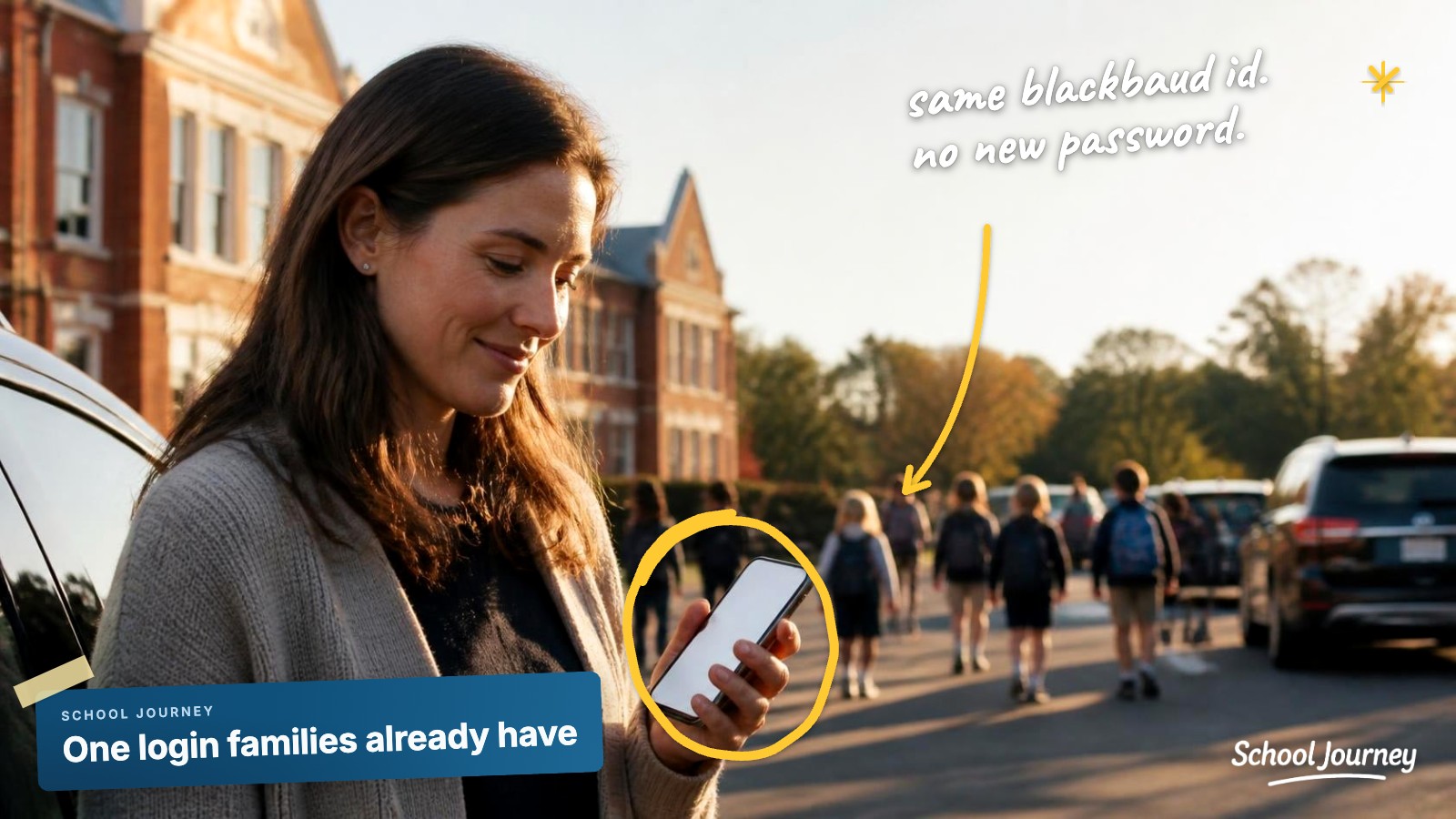
With the login families already have. Families, students, and staff log in with their Blackbaud ID, so nobody gets a new password to manage.
Kept in step automatically. Schedules, rosters, assignments, and calendars refresh from Blackbaud through the day. Blackbaud stays your source of truth.
What we do with your data, and what we don't
Our Master Services Agreement is public, so you can read exactly what we commit to before you sign anything:
Your school owns its data. (Section 7.1)
We use it to run your app. We use your data only to provide and improve the service for your school. (Section 7.6)
FERPA. We handle student records as a school official under FERPA. (Section 7.3)
No selling, no ads. We never sell your data, use it for targeted advertising, or use it for commercial profiling. (Section 7.6)
No AI training. We don't use your data to train AI models without your school's permission. (Sections 7.7 and 7.8)
Encryption. Your data is encrypted in transit and at rest. (Section 8.1)
Incident notice. We tell you within 48 hours of confirming a notifiable security incident. (Section 8.3)
Leaving. You can request a free export for 45 days. We delete your data within 30 days of termination or your export, purge backups within 90 days, and certify deletion in writing on request. (Sections 19.1 to 19.3)
If your provider isn't in the Marketplace
That doesn't automatically rule them out, but it does mean a few more questions are worth asking:
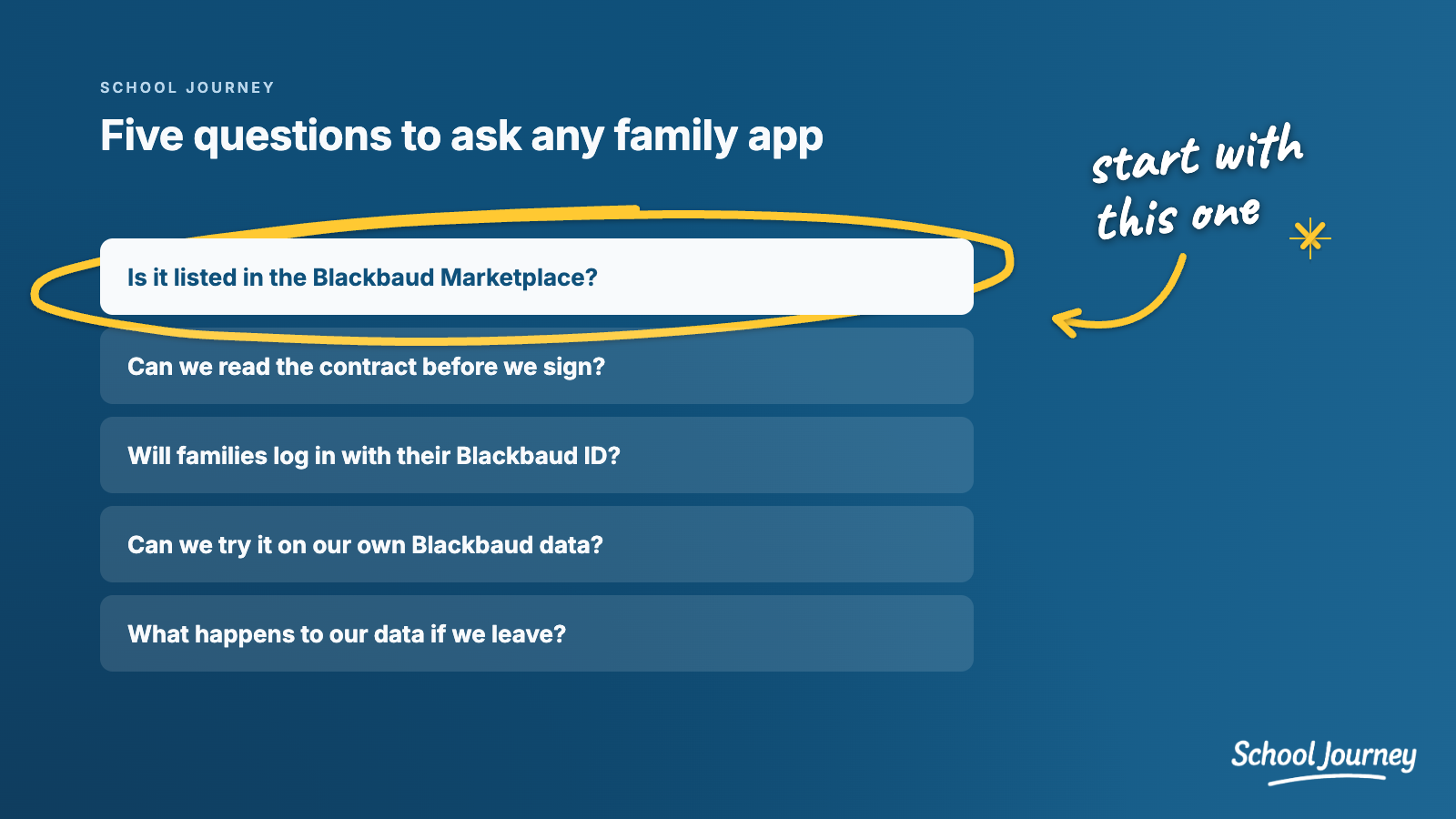
How do you get our data? Through a Blackbaud Marketplace connection, a spreadsheet export, or a shared login?
Which data do you read? Can we see that list before we connect anything?
How do families log in? With their Blackbaud ID, or with a new account and password?
Can we read your contract first? Ask for the contract and data agreement before you sign.
What happens if we leave? Ask how you get your data back, and how quickly the rest is deleted.
If you're still weighing your options more broadly, Is There a Blackbaud School App for Parents? walks through them.
Common questions
Does Blackbaud review School Journey's security?
Blackbaud provides the security questions on every Marketplace listing, and publishers answer them. Blackbaud doesn't verify those answers, which is why we put our commitments in a public contract.
Do we have to export anything to get started?
No. Your data comes over the Marketplace connection once your admin connects School Journey and sets up its Blackbaud user.
Can we disconnect School Journey later?
Yes. The people with Marketplace permissions at your school can disconnect it, and our contract covers how you export your data and how we delete it.
If you'd like to see exactly how the connection works for your school, we're happy to walk your tech director through it with your own Blackbaud data:
SCHOOL JOURNEY
See your school's app
with your own Blackbaud data
A personal walkthrough built around your school.
Book a demo now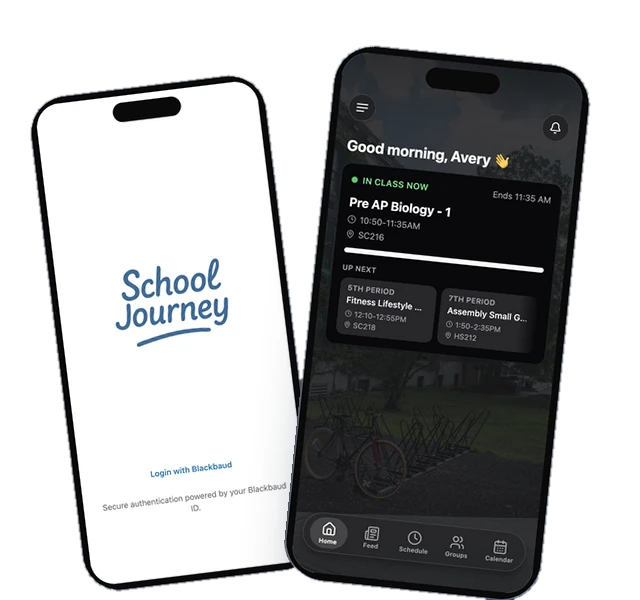
Last reviewed October 2026.
Jamie Giblett is Chief Growth Officer at School Journey, the custom mobile app built for Blackbaud-powered independent schools. He's spent over a decade in independent school technology and helped build the first ever Blackbaud-integrated school app.