



The return on a school app usually comes from four places: staff time saved by posting once instead of several times, fewer "where do I find..." questions to the front office, a reliable way to reach families quickly when it matters, and families who feel more connected to the school when re-enrollment comes around. Retention can be the largest of the four in dollar terms, because keeping a single family can cover the cost of the app for years. Below, I'll walk through how to frame each one for your head of school or business manager, and at the end there's a one-page outline you can copy.
If you're a communications director reading this, it's written so you can forward it.
Want this on one page? Download the free one-page business case, a fill-in PDF with the cost per family table, the staff time and retention math, and a decision box for your head of school.
Start with cost per family
Heads of school and business managers tend to think in cost per family, because that's how most of the budget is already framed. So it helps to translate the price into that number first.
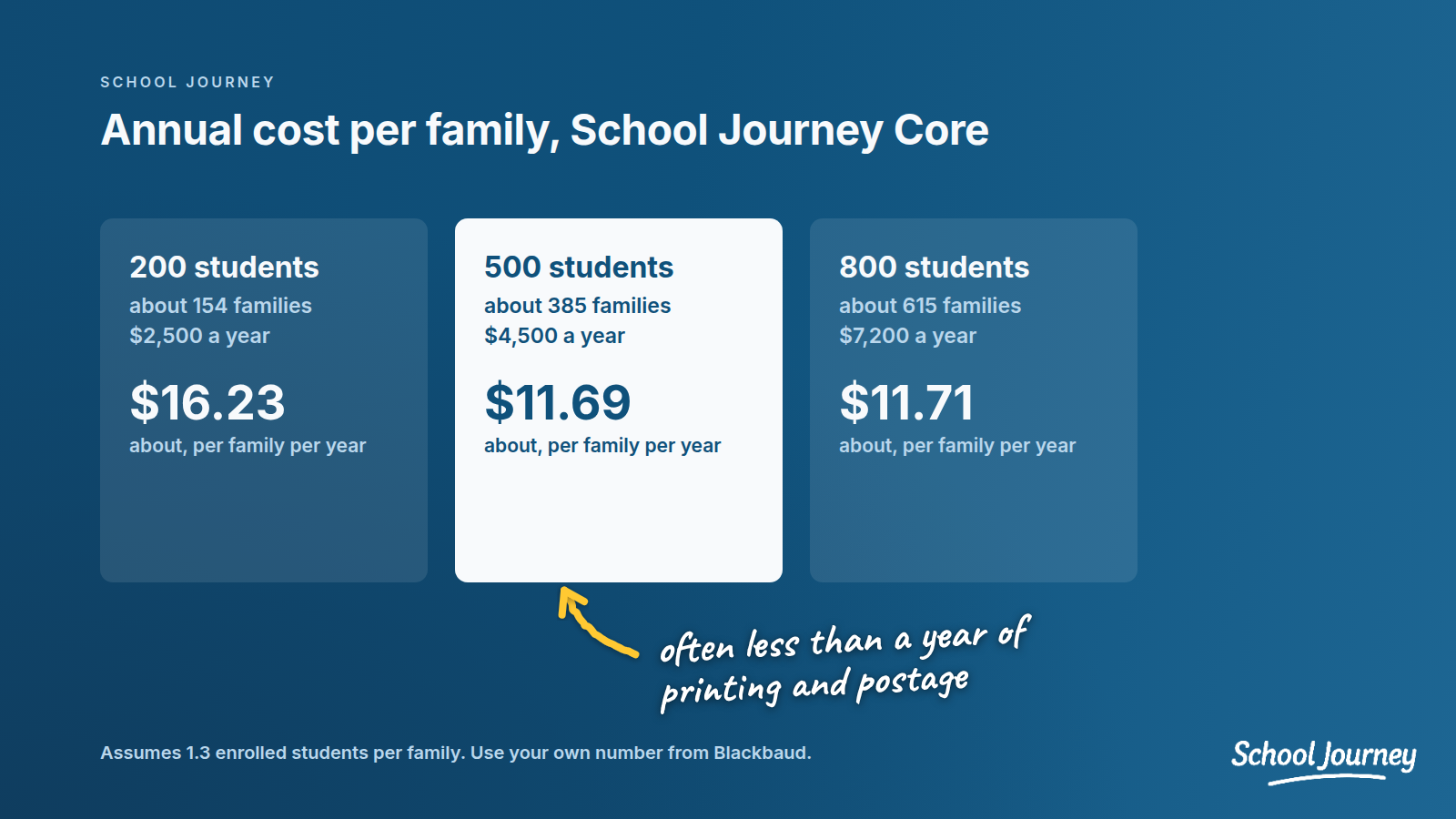
School Journey Core is $9 per student per year, with a $2,500 annual minimum. The branded app, which puts the app in your school's name and colors, is an optional $1,000 per year.
To estimate families, you'll need to know how many students share a household. For the examples below we've assumed 1.3 enrolled students per family. That's our assumption rather than a benchmark, so use your own number from Blackbaud if you have it.
200 students: about 154 families. Core is $2,500 a year (the minimum applies), or about $16.23 per family.
500 students: about 385 families. Core is $4,500 a year, or about $11.69 per family.
800 students: about 615 families. Core is $7,200 a year, or about $11.71 per family.
At 500 students, adding the branded app brings the total to $5,500 a year, or about $14.29 per family. For most schools that's a small fraction of what a single family pays in tuition, and less than many schools spend per family on a year of printing and postage. You can see the full breakdown on our pricing page.
Staff time saved by posting once
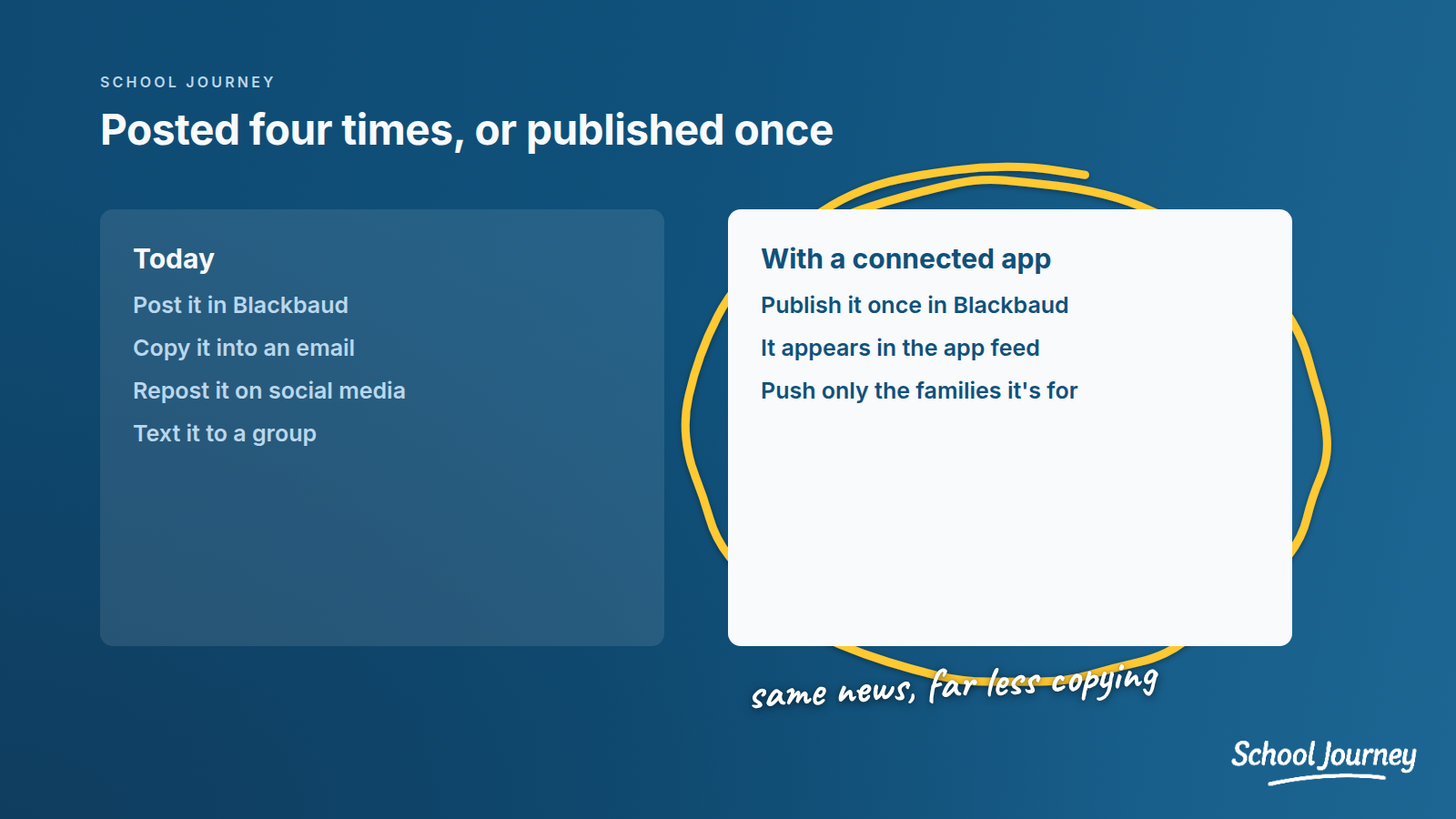
This is often the biggest and most concrete saving. At a lot of schools, one announcement gets posted in Blackbaud, copied into an email, reposted to social media, and sometimes texted to a group. Each repost only takes a few minutes, but those minutes add up over a year.
Here's a simple way to estimate it with three numbers from your own school:
How many announcements a week get posted in more than one place
How many minutes each extra repost takes
The loaded hourly cost of the staff doing it
Multiply announcements by extra reposts by minutes, convert that to hours, multiply by the hourly cost, and then by the number of school weeks. Even conservative numbers tend to make the point, and your head of school will trust them more because they came from you.
With a Blackbaud-connected app, the news, announcements, and newsletters you publish in Blackbaud flow straight into the app feed. That takes at least one repost off the list, and it often gives staff a reason to drop a few others too.
Fewer "where do I find..." questions
Front office staff spend a lot of time answering questions families could answer themselves if the information were easy to find. What time is pickup on the half day? Which room is my child in right now? Where's the form for the retreat?
When families can see calendars, their child's live schedule, resources, and announcements in one app on their phone, some of those questions tend to go away. The honest way to show this is to measure it. Ask your front office to keep a simple tally of these calls and emails for two weeks before launch, and again for two weeks at the same point a term later. In my experience, a real before-and-after count like that carries more weight with a head of school than any estimate.
Reach when it matters
This one is hard to put a price on. When there's a weather closure, a lockdown drill, a bus delay, or a change to pickup, the school needs to know families will see the message quickly.
Push notifications to families who have the app and notifications turned on are one of the fastest ways to do that, and you can target them so only the affected families get interrupted. They work best alongside your email and emergency texting rather than in place of them.
For the business case, I'd frame this as risk reduction: a clearer, faster way to reach families in the moments that matter most.
Retention: keeping the families you have
Every family that leaves takes years of tuition with it, and replacing them means more admissions work and more marketing spend. That's why retention deserves a real place in the business case, even though it's harder to measure than staff time.
Families judge a school partly on how well it communicates. When a parent always knows what's happening, sees photos from their child's class, and never hears about the half day from another parent first, the school feels organized and close. When they're always hunting through emails and the portal, small frustrations tend to build, and they can surface when the re-enrollment contract arrives.
An app helps in a few specific ways:
A daily touchpoint. Families check the app for schedules, news, and photos, so the school becomes part of their day rather than an email they skim.
A smoother first year for new families. New families form their impression of the school in the first few months. Having everything in one place they can find easily helps them settle in faster.
An early warning. The same numbers that show which families you can reach also show which households never connected. Those families are worth a personal check-in long before re-enrollment season.
You can put a number on it with your own tuition. If the app plays even a small part in keeping one family who might otherwise have left, it likely covers its cost for years. For example, at $30,000 in tuition, a family with two children is worth $60,000 a year, which is more than ten years of School Journey for a 500-student school, branded app included.
I'd still present it honestly. No app can prove it kept a particular family, so show the math and track re-enrollment alongside the measures below.
What to measure after launch
A business case is more convincing when it comes with a plan to check the results. Agree on a short list up front and report back after the first term:
Reachable families: of the families you want to reach, how many have the app, are logged in, and have notifications turned on? This matters more than downloads.
Households with no one reachable: follow up with these families by name.
Front office questions: the before-and-after tally above.
Staff time: a quick check-in with the people who used to repost everything.
Family feedback: a two-question survey at the end of the first term.
Re-enrollment: compare re-enrollment with prior years, and make sure every household that never connected gets a personal check-in before contracts go out.
Most of these numbers come down to how well families get set up at launch. Our post on how to get parents to actually download your school app covers the launch itself.
A one-page business case you can copy
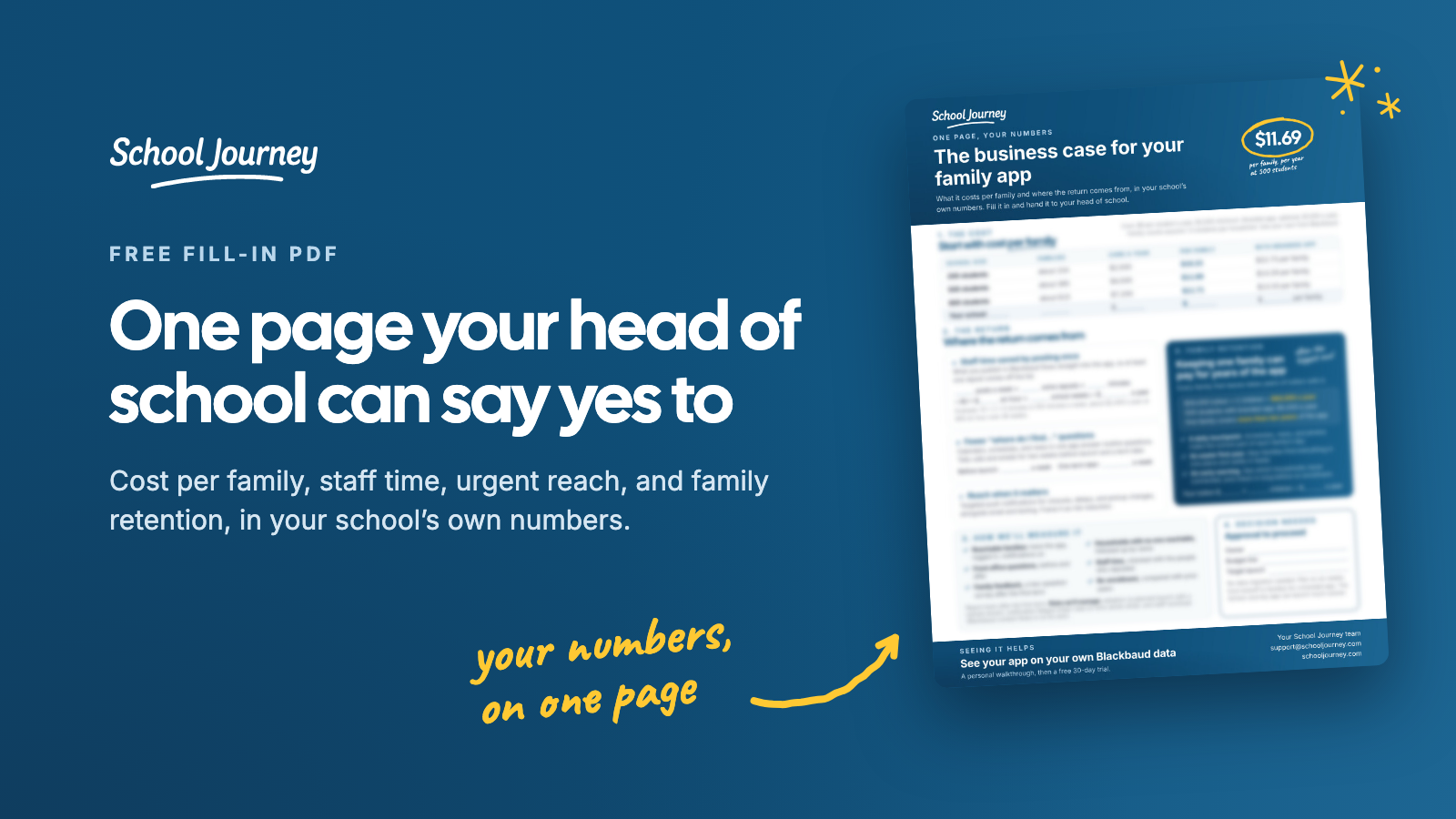
Download the one-page business case to get this outline as a fill-in PDF with the math laid out, or copy the outline below into your own proposal.
Proposal: Launch a Blackbaud-connected mobile app for families.
The problem today: Briefly describe where communication is scattered, how many places staff post the same thing, and what families are telling you. For help with this part, see why Blackbaud schools struggle with parent communication.
Cost: Annual cost, number of families, cost per family per year.
Expected benefits:
Staff time saved by posting once (your estimate, with your numbers).
Fewer routine questions to the front office (measured before and after).
Faster, targeted reach to families for time-sensitive and urgent messages.
Stronger family relationships that support re-enrollment, and a better everyday experience for current and prospective families.
Risks and how we'll manage them: Adoption (a planned launch with a named owner), notification fatigue (clear rules on who sends what), and staff workload (content already published in Blackbaud flows into the app).
Timeline: Target launch date and key milestones. No data migration is needed. We plan for six weeks from kickoff to families for a branded app, and the School Journey app can launch much sooner.
How we'll measure success: The six measures above, reported after the first term.
Decision needed: Approval to proceed, with a named owner and budget line.
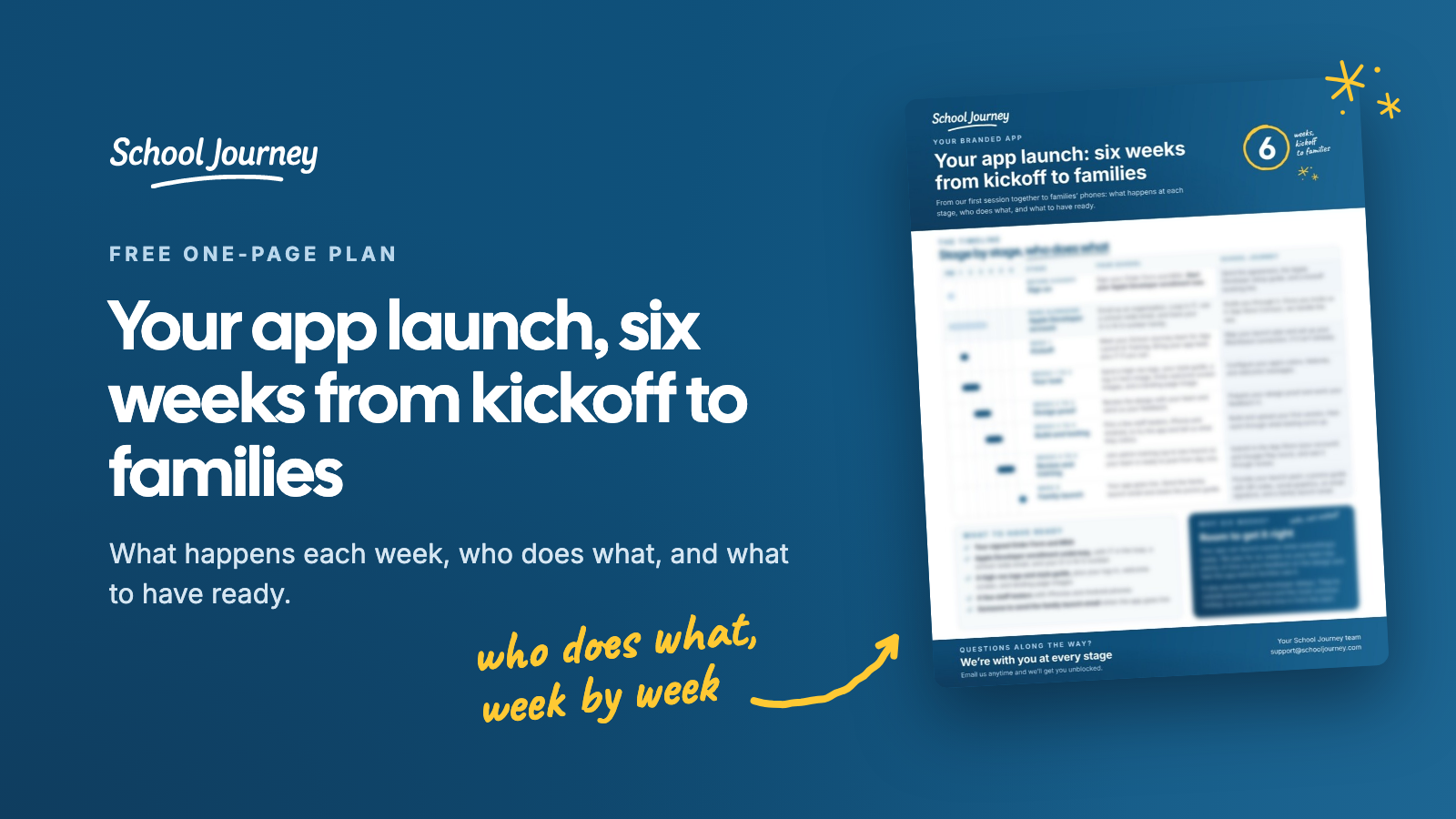
Planning the timeline? Our six-week app launch plan shows what happens each week, who does what, and what to have ready. It's a one-page PDF you can attach to your proposal.
Seeing it before you decide
It's much easier for a head of school to say yes when they can see what the app would actually look like for your families. School Journey is a native iPhone and Android app for Blackbaud-powered independent schools. It's connected to your Blackbaud data, families sign in with their existing Blackbaud ID, and every launch comes with a ready-made pack: a printable "how to get the app" guide with QR codes, social and website graphics, an email signature banner, and a family launch email.
If you'd like something concrete to show your head of school, we're happy to show you the app with your own Blackbaud data:
SCHOOL JOURNEY
See your school's app
with your own Blackbaud data
A personal walkthrough built around your school.
Book a demo now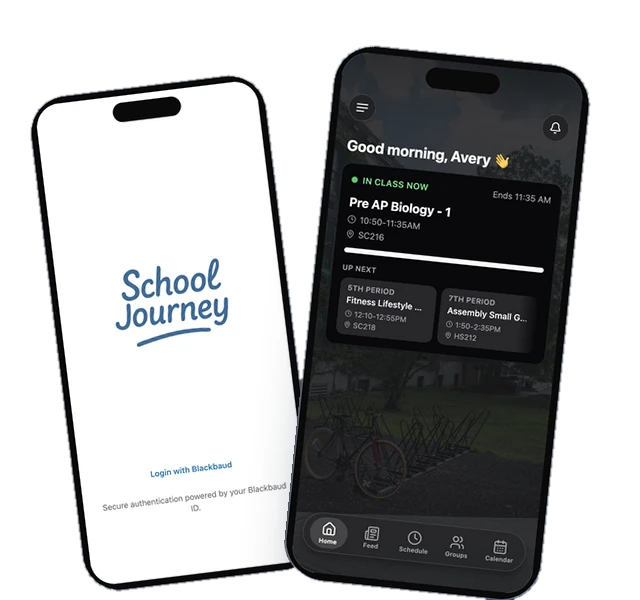
Last reviewed October 2026.
Jamie Giblett is Chief Growth Officer at School Journey, the custom mobile app built for Blackbaud-powered independent schools. He's spent over a decade in independent school technology and helped build the first ever Blackbaud-integrated school app.